Hi there jeremyirons,
If you haven't already, you could see if restarting your iPhone may help with this. Restarting refreshes the software and may help resolve this. If needed, the steps below show how:
How to restart your iPhone X, 11, 12, 13, or later
1. Press and hold either volume button and the side button until the power-off slider appears.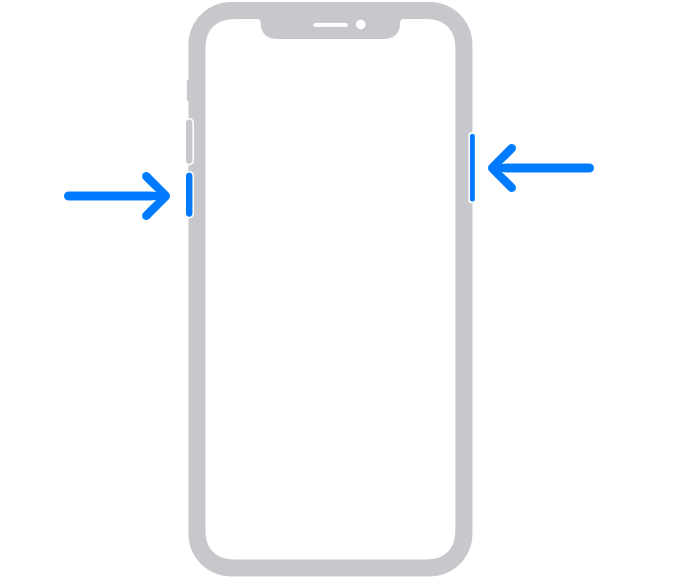
2. Drag the slider, then wait 30 seconds for your device to turn off. If your device is frozen or unresponsive, force restart your device.
3. To turn your device back on, press and hold the side button (on the right side of your iPhone) until you see the Apple logo.
Those steps are from this article: Restart your iPhone - Apple Support
If that doesn't help, you can also make sure your iPhone is fully up-to-date, which can also sometimes help resolve unexpected issues. If needed, this article shows how: Update your iPhone or iPad - Apple Support
Let us know if those steps help or if you've already tried those steps.
Take care.


