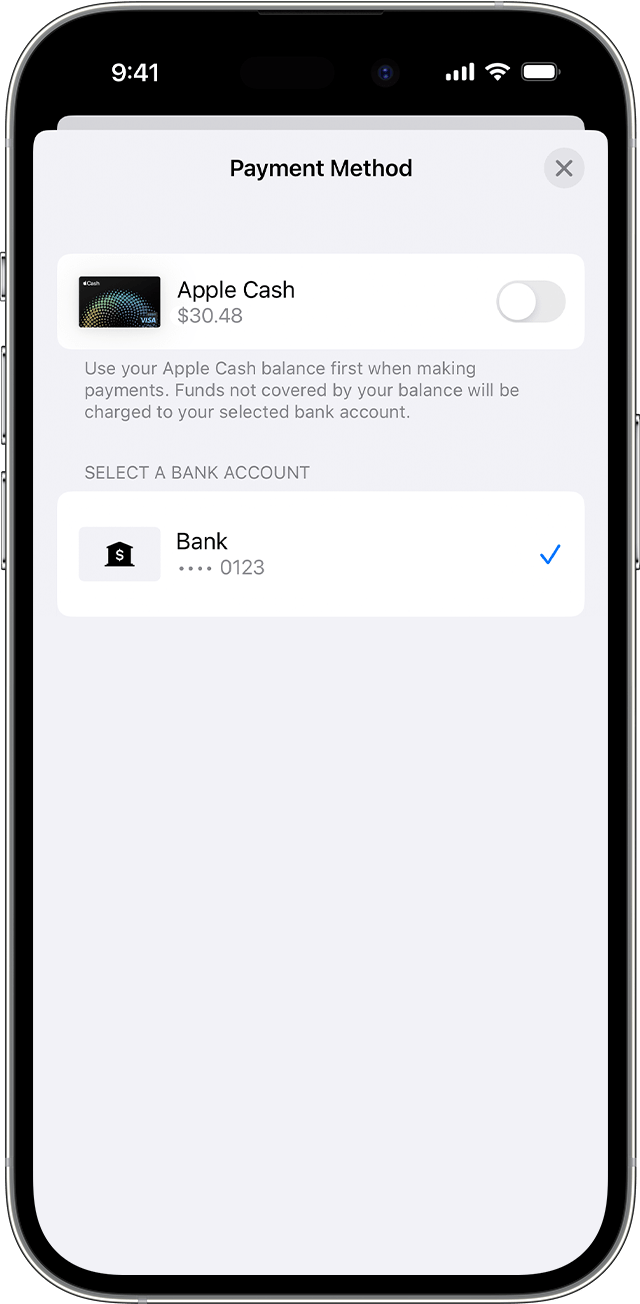
For information about turning off Apple Cash payments for Apple Card, see the following from: How to make Apple Card payments - Apple Support
Turn payments with Apple Cash on or off
If you want to pay from only your bank account without using your Apple Cash balance:
- Open the Wallet app on your iPhone and tap Apple Card.
- Tap Pay.
- Choose a payment amount and tap Pay [amount].
- Tap your bank account, then turn Apple Cash on or off.
- Tap the Back button, then authenticate with Face ID, Touch ID, or passcode to make a payment.