
My apple watch colors are inverted after Iupdated to watchos10 and I have no idea how to turn it off
I updated to watchos 10 and now every color on my apple watch display is inverted
Apple Watch SE, watchOS 10
I updated to watchos 10 and now every color on my apple watch display is inverted
Apple Watch SE, watchOS 10
Hi usernam_e,
The following steps address what you're describing specifically, and should provide a solution to turn the invert colors setting off:
"Turn on Invert Colors
If you benefit from viewing items against a dark background, you can use Invert Colors to change how content is displayed on your screen.
To use Invert Colors, open the Settings app, then tap Accessibility > Display & Text Size. Turn on Smart Invert or Classic Invert.
Smart Invert
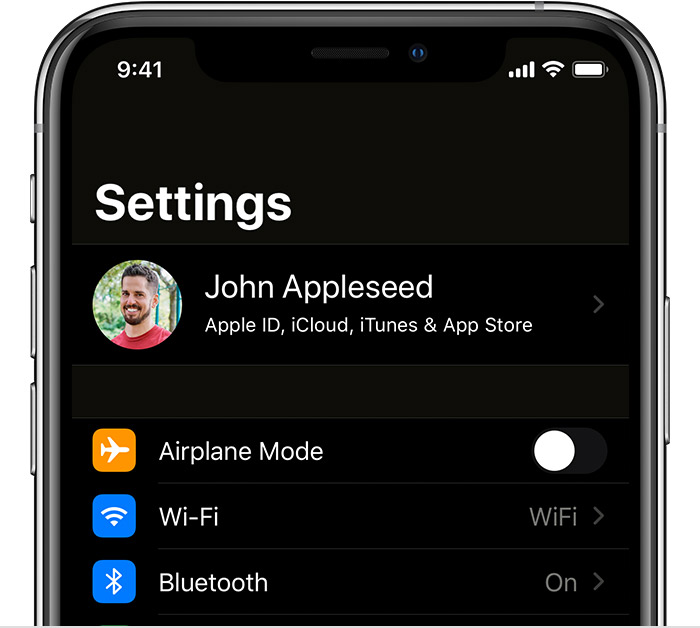
Smart Invert reverses the colors on the display, except for images, media, and some apps that use dark color styles.
Classic Invert
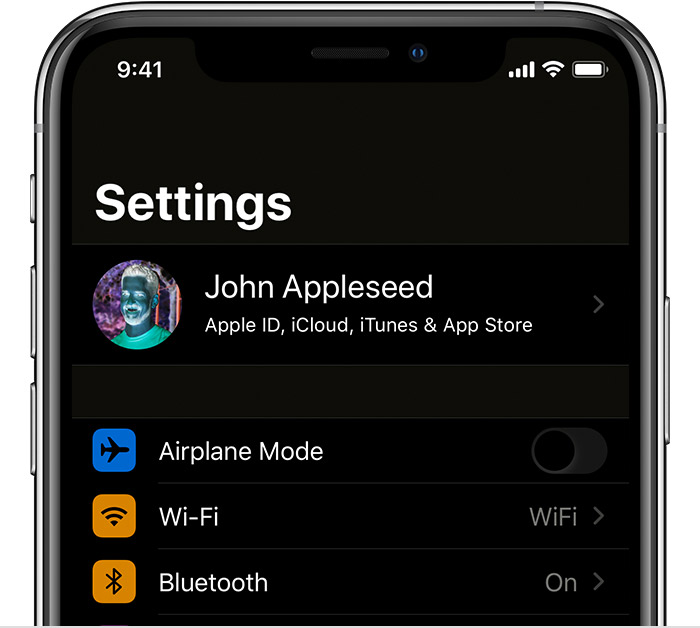
Classic Invert reverses all colors on the display."
You can find these steps along with other information that may be helpful, here: Use display and text size preferences on your iPhone, iPad, and iPod touch - Apple Support
Cheers!
My apple watch colors are inverted after Iupdated to watchos10 and I have no idea how to turn it off

