Blocking website on safari ipad

Why does Safari make it so difficult to block websites? It should be easy to do. I was surfing the net when a very explicit website suddenly popped up. I tried to block it, but it took me an hour of searching, and mind you, I couldn’t even find a way to do it. This is ridiculous! It should be as simple as right-clicking and selecting “Block”—that’s it. This is so frustrating.

Posted on Mar 11, 2025 3:35 PM

Reply
Question marked as Top-ranking reply

Posted on Mar 11, 2025 4:06 PM

Blocking websites is done from the Screen Time. / Parental Control settings, not directly on the browser. I don't know of any browser that allows you to simply right click to block a website anywhere on any device or computer.


To block a website, go to Settings ➜ Screen Time ➜ Content & Privacy Restrictions ➜ App Store, Media, Web & Games ➜ Web Content.


And you can set it to Limit adult websites, and then add specific websites to the Always Allow or Never Allow lists there.

2 replies
Question marked as Top-ranking reply

Mar 11, 2025 4:06 PM in response to n4141

Blocking websites is done from the Screen Time. / Parental Control settings, not directly on the browser. I don't know of any browser that allows you to simply right click to block a website anywhere on any device or computer.


To block a website, go to Settings ➜ Screen Time ➜ Content & Privacy Restrictions ➜ App Store, Media, Web & Games ➜ Web Content.


And you can set it to Limit adult websites, and then add specific websites to the Always Allow or Never Allow lists there.

Mar 11, 2025 4:07 PM in response to n4141

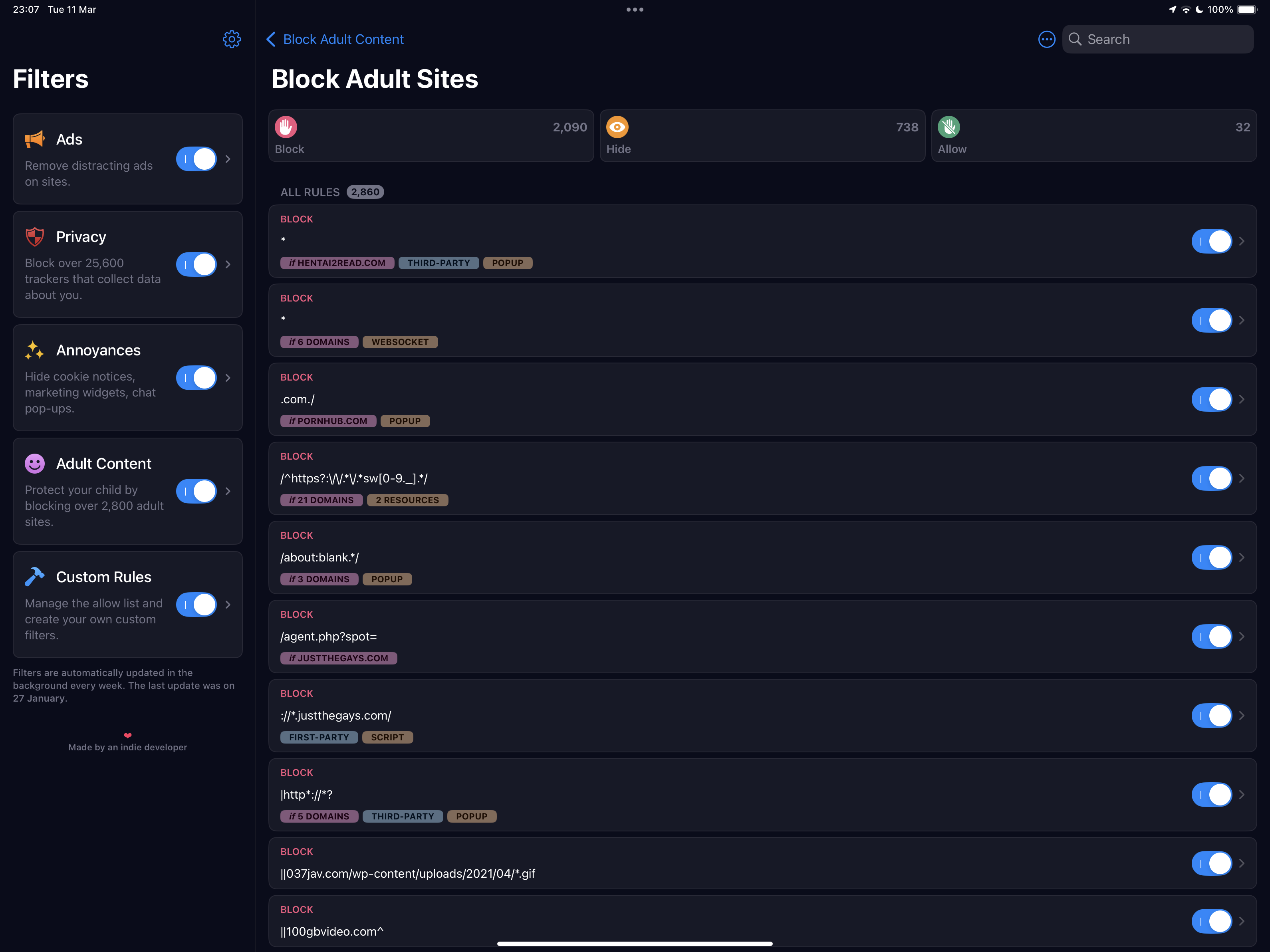
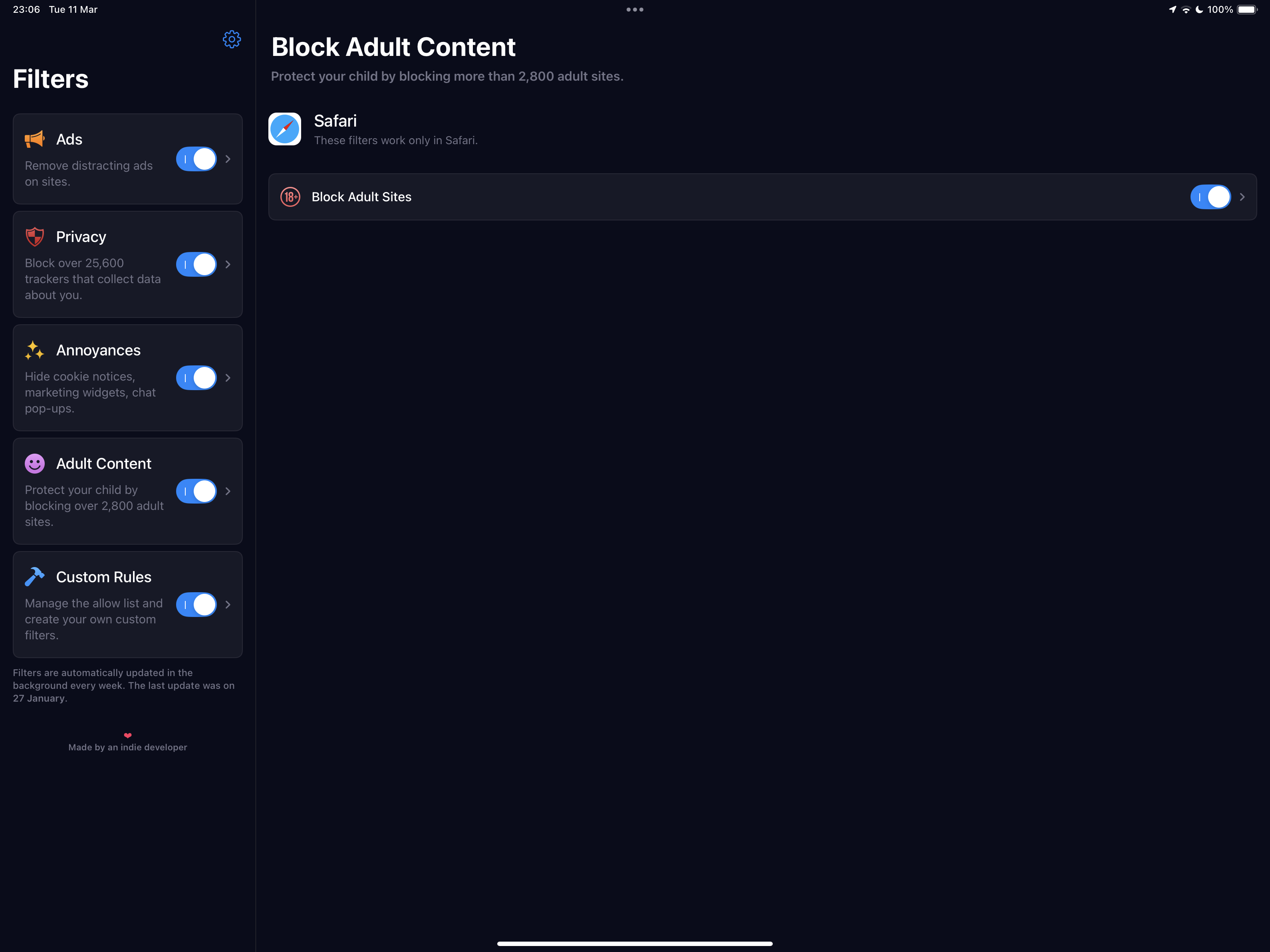
You need a good Content and Ad-blocking product.


One of the most respected within the Apple App Store - designed for iPad, iPhone and Mac - is 1Blocker for Safari.

https://apps.apple.com/gb/app/1blocker-for-safari/id1365531024


1Blocker is highly configurable, but in its default configuration, can block entire categories of website content. 1Blocker creates a comprehensive ruleset for Safari - and contrary to expectations, Safari will run faster and more efficiently.


Unwanted content is not simply filtered after download (a technique used by basic/inferior products), but instead undesirable content is blocked from download. The 1Blocker product has also recently introduced its new “Firewall” functions - that are explicitly designed to block “trackers”. Being implemented at the network-layer, this additional protection works across all Apps. Recent updates to 1Blocker has introduced additional network extensions, extending protection to other Apps.


This thread has been closed by the system or the community team. You may vote for any posts you find helpful, or search the Community for additional answers.

Blocking website on safari ipad

Welcome to Apple Support Community
A forum where Apple customers help each other with their products. Get started with your Apple Account.