How to prioritize iPhone notifications over Apple Watch when sitting at a desk?

How do I get notifications on iphone instead of watch, because when I am sitting on the desk phone is in front of my face but the watch is on wrist. I want to see notifications without moving my wrist.


[Re-Titled By Moderator]

iPhone 16 Pro Max, iOS 18

Posted on Mar 21, 2025 11:43 PM

Reply
Question marked as Top-ranking reply

Posted on Mar 22, 2025 12:22 AM

You can't have your cake and eat it too. When wearing your Apple Watch, notifications will appear only on the watch, not the iPhone. This behavior can't be changed, but providing feedback to Apple may encourage future updates.


However, a workaround is to set your iPhone’s auto-lock to "Never," keep it plugged in, and leave the screen turned on.


Where notifications appear

Notifications appear on your Apple Watch or iPhone, but not both.
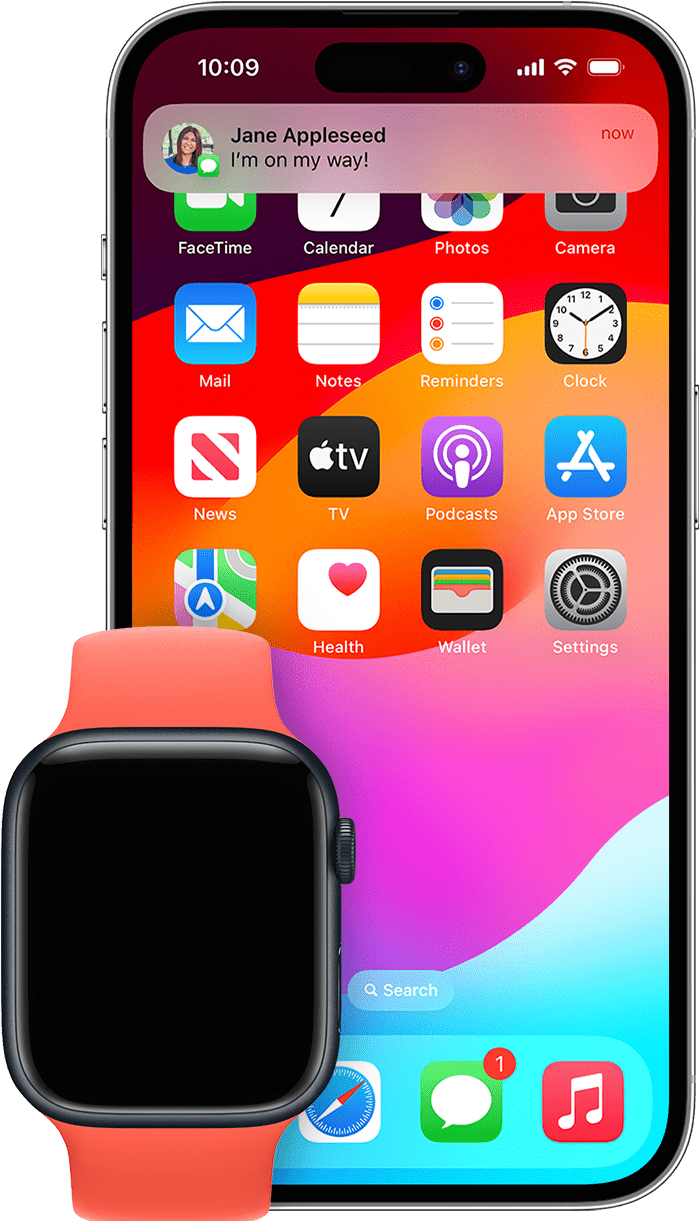

If your iPhone is unlocked, you'll receive notifications on your iPhone instead of your Apple Watch.
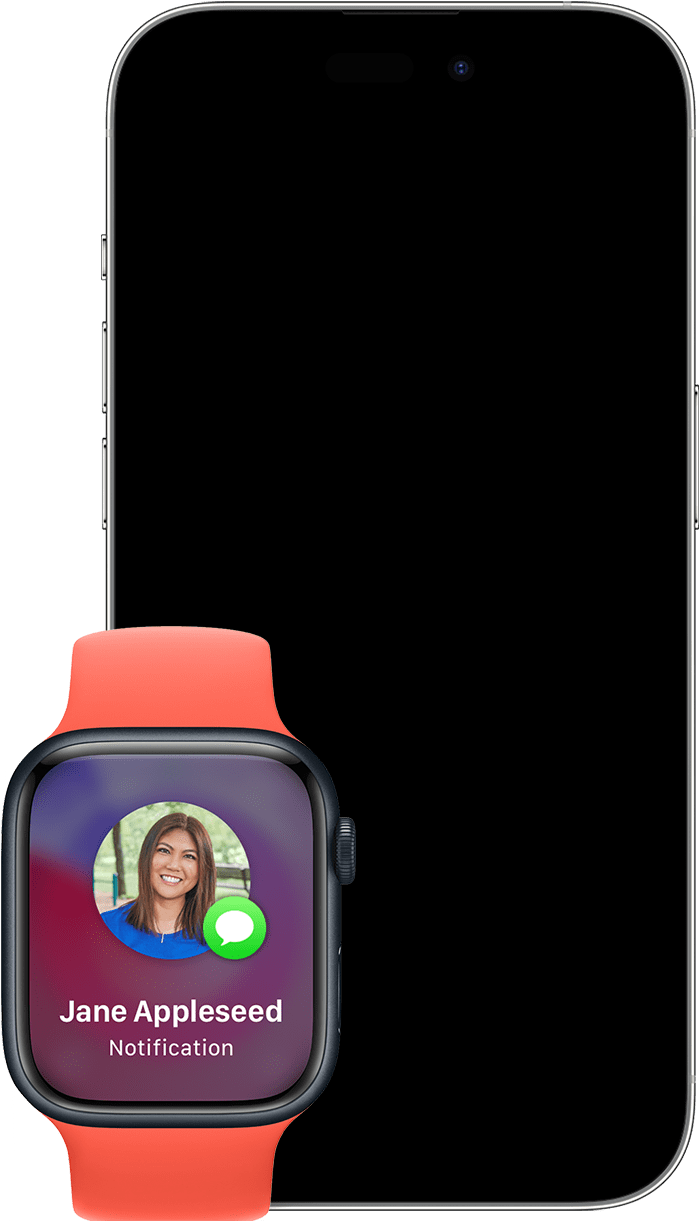
If your iPhone is locked or asleep, you'll receive notifications on your Apple Watch, unless your Apple Watch is locked.

Some apps, such as the Noise app, are only available on your Apple Watch. Notifications for these apps won't appear on your iPhone.

  • The red notification icon will appear at the top of your watch face when you have unread notifications. If you want to hide the notification icon, open the Apple Watch app on your iPhone, tap Notifications, then turn off Notifications Indicator.

When you read or dismiss notifications on your Apple Watch, they'll also be also dismissed from your iPhone.


2 replies
Question marked as Top-ranking reply

Mar 22, 2025 12:22 AM in response to Rizwwwan

You can't have your cake and eat it too. When wearing your Apple Watch, notifications will appear only on the watch, not the iPhone. This behavior can't be changed, but providing feedback to Apple may encourage future updates.


However, a workaround is to set your iPhone’s auto-lock to "Never," keep it plugged in, and leave the screen turned on.


Where notifications appear

Notifications appear on your Apple Watch or iPhone, but not both.


If your iPhone is unlocked, you'll receive notifications on your iPhone instead of your Apple Watch.

If your iPhone is locked or asleep, you'll receive notifications on your Apple Watch, unless your Apple Watch is locked.

Some apps, such as the Noise app, are only available on your Apple Watch. Notifications for these apps won't appear on your iPhone.

  • The red notification icon will appear at the top of your watch face when you have unread notifications. If you want to hide the notification icon, open the Apple Watch app on your iPhone, tap Notifications, then turn off Notifications Indicator.

When you read or dismiss notifications on your Apple Watch, they'll also be also dismissed from your iPhone.

Mar 22, 2025 12:18 AM in response to Rizwwwan

If your iPhone is unlocked, notifications will go there instead. Perhaps on your desk you can set your iPhone’s Auto-Lock time to Never, this way the iPhone will stay on and thus receive all notifications there. Then when you are leaving your desk, set your iPhone’s Auto-Lock back to a specific time, which will prevent unauthorized use of your iPhone. You can do all that in Settings > Display and Brightness > Auto-Lock. That’s the best I could think of.

This thread has been closed by the system or the community team. You may vote for any posts you find helpful, or search the Community for additional answers.

How to prioritize iPhone notifications over Apple Watch when sitting at a desk?

Welcome to Apple Support Community
A forum where Apple customers help each other with their products. Get started with your Apple Account.