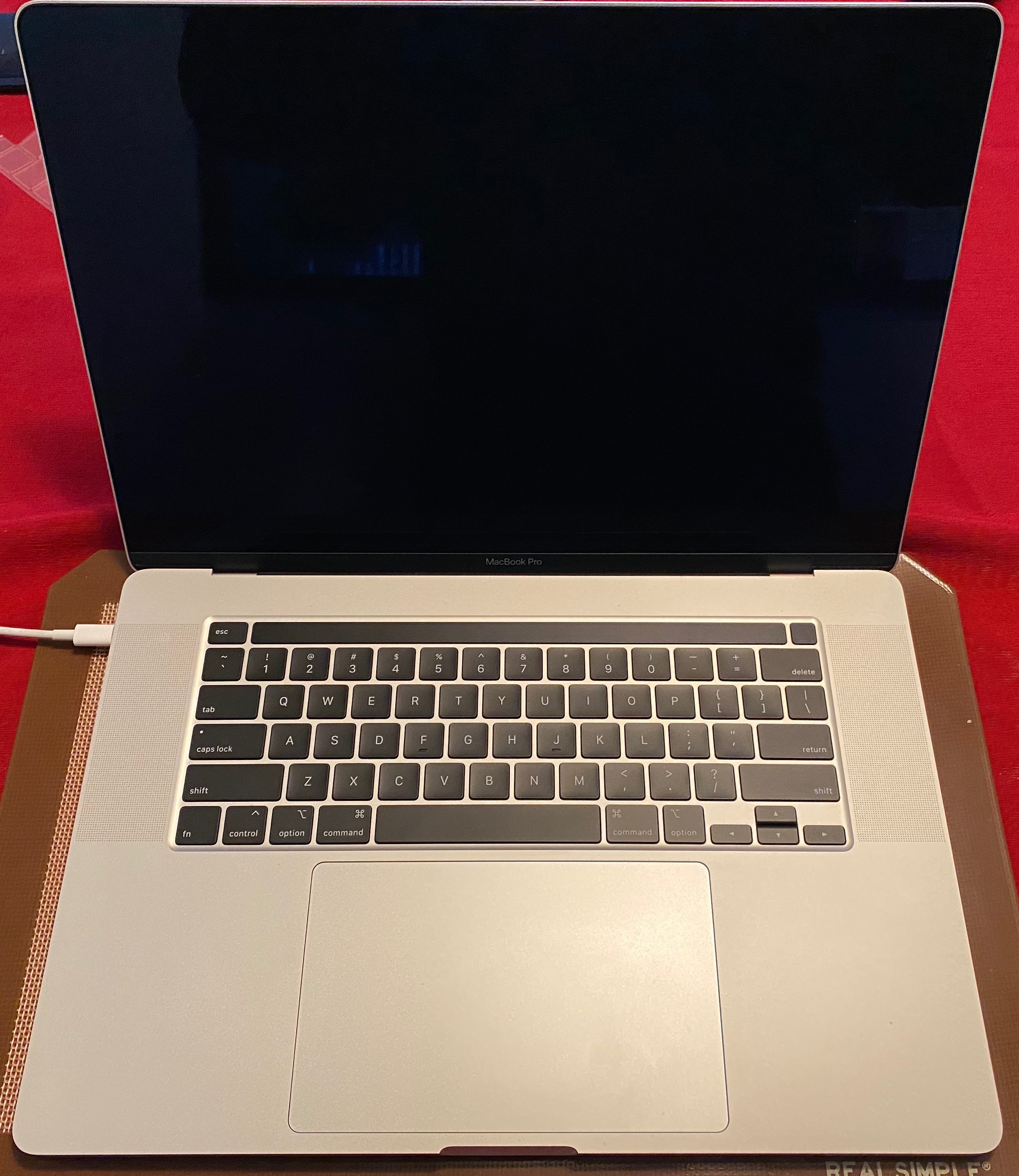
Cracked screen MacBook Pro with Touch Bar

Devastated to say that my relatively new MacBook Pro with Touch Bar has a cracked display/LCD at the bottom on the screen. I'm not particularly rough with my MacBook and presumably this occurred due to closing the screen with something between the keys and the screen. I recall the moment the crack appeared, so this would have been a dust speck. Although I have AppleCare, the cost of repair is $680, since this is "accidental damage" and "out of warranty"


The new machine seems much more fragile than my older MacBook Pro's which are still going strong 5 years in!


Have others had problems with a fragile displays?

MacBook Pro (15-inch, Late 2016), macOS Sierra (10.12.5), null

Posted on Jun 26, 2017 12:01 PM

Reply
Question marked as Top-ranking reply

Posted on May 15, 2018 9:56 AM

TL:DR -- Apple covered mine without charge. Only because I cited this thread for backup, took photos from start to progressive damage, and was politely insistent. The Apple store staff is probably not your friend. Call in first, and request a Senior Advisor to handle your claim.


If this happens to you, being armed with photos and this thread is your best shot at having it covered.

I opened my MacBook Pro one morning and saw a small spidery line inside the LCD on the lower right near the hinge. I had not dropped it, hadn't moved it from the table in days. Then it spread. Then it got worse. Then a second line began. My speculation: it's a fragile LCD and there was something amiss with the assembly at the hinge putting pressure on the LCD. No physical signs on the outside of the screen.
FWIW, mine is one of the "popping" 2016 MLH42LL/A laptops, right out of the box. Popping Sound, MBP 2016


User uploaded fileUser uploaded fileUser uploaded file


After seeing this thread, I called Apple to get a case number. The rep said it would be covered, and if the store genius gave me a hard time to ask for a manager. The Apple store experience was the dispiriting time suck I expected: they told me $680 for the repair and told me I had dropped it; then admitted they couldn't find any point of impact; then when pressed to give me their hypothetical scenario, finally speculated that I must have closed it with -- please clutch your pearls here -- a grain of rice I didn't notice. Come on, guys.


Know when you are dealing with unreasonable people. I returned home, called in again, had a long talk with a sympathetic rep who escalated it to a senior advisor. I sent photos while we were on the phone. The SA said they look for a point of impact, and a spiderweb, and there was none. He said he was entering notes in the case to be covered at no charge, but to be aware that the techs might disagree upon exam. Apple overnighted me a box, I overnighted it back, and they replaced the screen and overnighted it back. No charge.


Flawless top notch CS... once you get to the right person.


So -- be informed, be reasonable, be firm, and know to walk away and talk to someone else. I believe that Apple will eventually send out a quality report about the LCDs. They know about this, but they are going to stonewall when they can.


The other thing to note is that early adopters of the MBP touchbar are under the older AppleCare Protection Plan. Apple rolled out AppleCare Protection Plus in June of 2017, which includes 2 incidents of accidental damage. There are no plans to grandfather the earlier MBPs, nor to offer the Plus for a upcharge (which I would happily pay) to bring all of this model under consistent coverage. It's frustrating to be effectively punished for being an early adopter of the new models, where all of the design flaws are showing up with use.

810 replies

Feb 15, 2020 2:09 PM in response to drtimothy

I tried to return mine today and they told me that it was a consumer issue due to something causing it to crack. It worked at 2am this morning and never left the desk. Upon opening it up today..the screen was black and they state it's due to a crack. This IS an issue that is apparently happening to many people. I won't just be ok with the "consumer" blame any longer.

Feb 15, 2020 3:38 PM in response to joymorris

I have been through every possible route to try get Apple to fix this issue with my laptop. Including Apple online, two different Apple stores, Apple official complaint, online resolver with no success.


I received the exact same response from all Apple representatives. It was like a revolving circle with everyone giving the exact same response as if reading from a script. I paid £625 for the repair for my 2019 laptop that was 3 months old. I am currently in the process of selling it.


If you really need one of these machines for work or any other professional reason I would advise taking insurance out otherwise do not buy one.

Feb 15, 2020 4:32 PM in response to santosharelle

Some homeowner or renters insurance policies used to offer 'personal articles floater' for additional

items such as electronics; to include damages from indoor and outdoor weather, water pipe breaks,

accidental falls, damp damage, lawn sprinkler on timer, or drop damages to computers, etc.


Maybe that idea got too popular and they shifted the blame to consumers, with higher premiums.


[Page 33 of 33?]


Some EU countries have different wording in consumer protection rules, that may help a few there(?)


If consensus tells you to 'not close the lid of your portable when it safely sits overnight' on table;

since several images & stories here attest as factual, why not leave display open? Or use external

with lid closed all the while? My three mac portables of varying vintage have nice intact displays;

and sport mint condition keyboards. ~ Maybe its the 'touch-bar' making them break premature?!

Thin metal can flex a bit, glass apparently cannot. LOL 🌻😵


Mar 10, 2020 12:23 PM in response to DPJ

Yeah, but the problem is that after this crack the screen stop working, so I don’t think that the electrical tape will work. I am aware that the repair will cost me dearly. After reviewing this thread, I decided to write a post so that other users would take into account the possible design flaw of the MacBook Pro. Apple may say that everything is OK, but it is not

Mar 11, 2020 9:49 AM in response to DPJ

I came upon this thread (https://discussions.apple.com/thread/7995345?page=1) after I too experienced crushing and cracking damage of the logo baffle from something which dropped, unseen, into the “jaws” of the screen-hinging area of my new, 13-inch, 2018 MacBook Air. 


Clearly, this is a defect in “materials and workmanship” which subject the MBs to easy accidental damage and, therefore should be covered by the warranty.


  • The material in question is the fragile, glass-like logo baffle which can easily crack and shatter given enough local pressure. Materials with such characteristics should never be used in areas subject to vice-like pressures or, for that matter, normal pressures encountered in screen cleaning. Future designs should mitigate such vice-like mechanics in cover/screen hinging.


  • The workmanship in question is the design of the screen/body hinging, where the space between the screen (and logo baffle ) diminishes as the screen/cover is closed, trapping and crushing anything which has fallen, unnoticed, into the dark, yawning gap, damaging the logo baffle and, possibly, the display screen, too.


As with defective airbags, the manufacturer, i.e., Apple, should be responsible for:


  • Issuing a product warning to all owners of relevant MacBook models regarding this accidental damage vulnerability and measures to take to mitigate such damage*;
  • Developing and offering free replacement of the defective part, one which would not be easily subjected to such damage; and
  • Repairing, at no charge, damaged logo baffles and display screens which have already occurred.


___

*I believe most of us would never have experienced damage if Apple had alerted us to the possibilities of such. We would then have attended to and avoided debris which might easily or otherwise, fall between the cracks with such costly consequences.

Mar 11, 2020 10:00 AM in response to PETStech

"I believe most of us would never have experienced damage if Apple had alerted us to the possibilities of such. We would then have attended to and avoided debris which might easily or otherwise, fall between the cracks with such costly consequences."


So you are admitting it's the negligence and fault of the consumer? Because there is such a thing as common sense when it comes to handling products that contain glass. I've seen an abundance of laptops of many brands over the years with cracked screens. This is nothing new. But as Grant Bennet-Alder stated it doesn't matter at this point you will have to pay for the repair because it's physical damage caused by the user.

Mar 11, 2020 10:27 AM in response to Grant Bennet-Alder

Yes, I realize Apple's position. Fortunately, I do have AppleCare+ and my MBA is on its way in for repair.


While Apple can disagree, I believe--and I hope others agree, too--that it is in the best interests of Apple's customers (and hopefully in Apple's a own interest) to recognize and mitigate future, unnecessary damages to MacBooks by alerting all MacBook users to the specific circumstances and consequences of such 'accidents:'


Your are vulnerable: Cough into your elbow; wash hands, often, with soap and water. Be sure debris doesn't get trapped in the gap on your MackBook. The consequences, otherwise, will costly.


Mar 23, 2020 7:44 AM in response to nhzero

Interesting because the exhaust holes are no place where the screen is so cleaning the exhaust area shouldn’t have even touched the screen. At any rate when the Apple store opens back up you can either bring it directly to them or send it in through courier and they will quote you a repair cost. Generally the the entire screen needs replacing. Alternatively you can place a peace if electrical tape over the logo to prevent it from getting worse.

May 20, 2020 9:52 PM in response to drtimothy

I am in the same boat. Macbook pro 2017 bottom right screen had a little crack, and then the crack got bigger and bigger that the screen now no longer works. I have it connected to an external monitor and am using it like that. I did NOT do anything to the laptop that would cause this. Just suddenly noticed a crack one day.


I also have a macbook pro 2010 which is built like a tank and still going strong. No issues whatsoever.


But this 2017 screen is very fragile.

May 25, 2020 5:59 PM in response to katiepearse

That was a brand new keyboard redesign. That has nothing to do with the screens. Apple has not come out with any new screen design and there's been no known flaws in their screens. ALL companies have flaws in some of their products but you can't equate the keyboard debacle with people cracking their screens here. Like I said earlier unless the screen was damaged right out of the box then it's the customer's responsibility to pay for the repair. These screen cracks are from accidental damage.

May 25, 2020 6:47 PM in response to DPJ

My only only question to apple is these internal cracks seems to be common in 2016 2017 models. Others seems to be fine. There seems to be something in it. In my Mac not even a scratch from outside. But there in an internal crack. How could this be possible. My son got a Surface Pro. He has dropped it and his screen is like a spider web, however that unit still works perfectly fine. Mine with a delicate internal crack, where you cannot see a thing from outside. My screen has completely died. These seems to be huge quality difference between the two. If Surface supports Mac OS, I will jump in straight away!!!

Jun 13, 2020 5:16 PM in response to drtimothy

Hi there, MacBook Pro with Touch Bar 2019 user.


I am an avid Mac user, but that's not to say I'm an Apple sheep, my phone is a Samsung Galaxy Note 9 and I'm always the first to criticise Apple when it's needed.


However when it comes to the MBP TB I am here in their defence, it's a lovely device to use, the 2019 version has come with so many repairs, they keyboard (though at first was hard to get used to with the shorter keyboard travel) has with use become a very enjoyable experience, I upgraded from a 2014 iMac HHD to a baseline SSD MBP 2019 and I've found the experience seamless, I have never had the laggy experience I had with my hard drive iMac and despite my laptop being baseline I've always experienced great performance while using Logic Pro X and Final Cut Pro X.


After using the MBP for the last 3 months I've came to a few conclusions, yes it feels pretty fragile at times, dirt can get caught in the hinge and cause the laptop to be creaky when opening it, yes the screen feels pretty fragile and when my brother touched it I cringed.... however I've came to the realisation that this is a £1,500 laptop, meant for professional use, the main use for a MacBook Pro is in the creative sector, so using it as an everyday use laptop is asking for trouble, the laptop is designed to bring a slim and portable form factor to professional users like myself who use this machine for software that simply isn't available on Windows.


For that reason, despite the fact that I would like the laptop to be more durable, I can understand it's drawbacks, especially since I've found performance and portability to be the devices main strengths.

This thread has been closed by the system or the community team. You may vote for any posts you find helpful, or search the Community for additional answers.

Cracked screen MacBook Pro with Touch Bar

Welcome to Apple Support Community
A forum where Apple customers help each other with their products. Get started with your Apple Account.