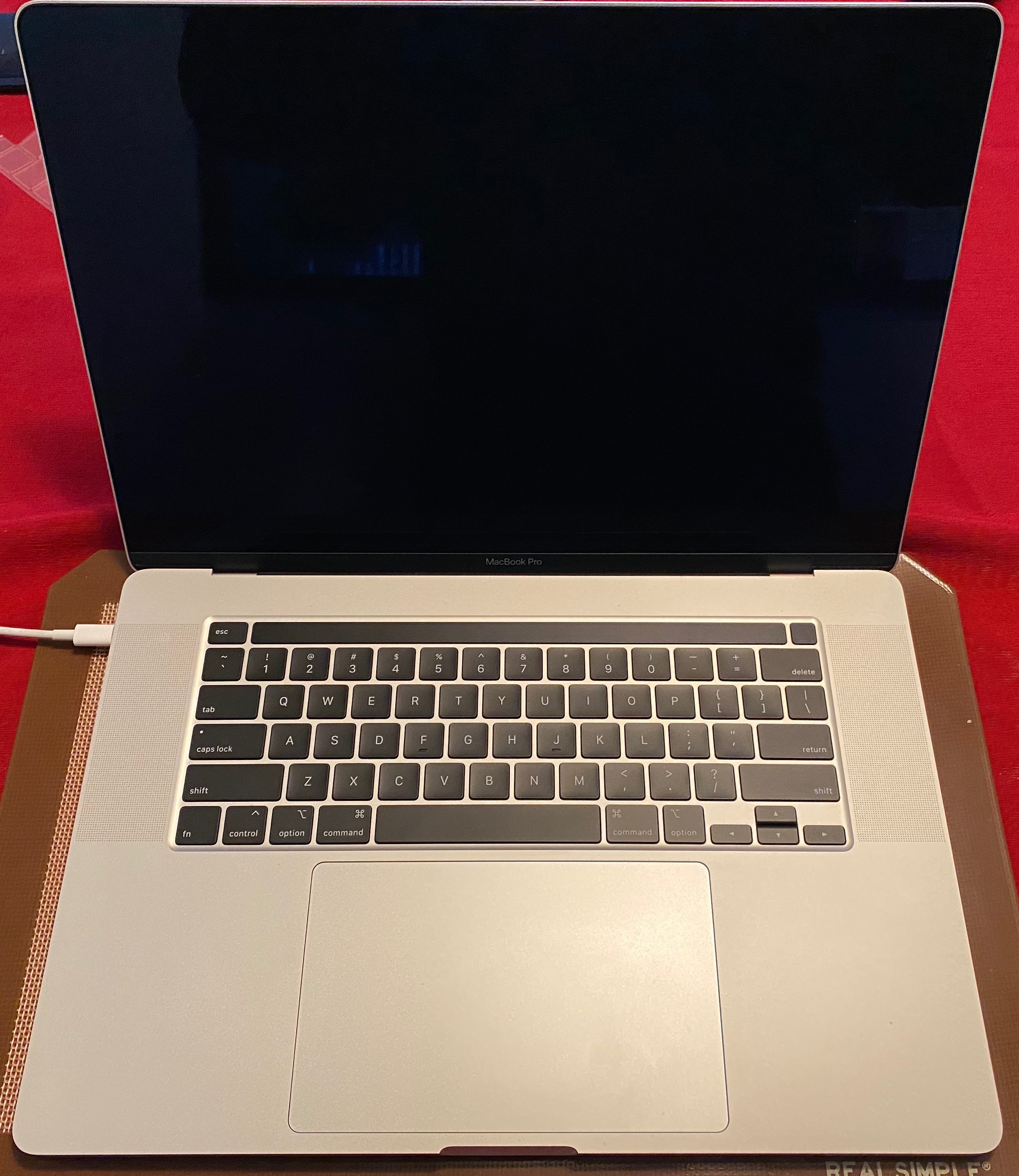
Cracked screen MacBook Pro with Touch Bar

Devastated to say that my relatively new MacBook Pro with Touch Bar has a cracked display/LCD at the bottom on the screen. I'm not particularly rough with my MacBook and presumably this occurred due to closing the screen with something between the keys and the screen. I recall the moment the crack appeared, so this would have been a dust speck. Although I have AppleCare, the cost of repair is $680, since this is "accidental damage" and "out of warranty"


The new machine seems much more fragile than my older MacBook Pro's which are still going strong 5 years in!


Have others had problems with a fragile displays?

MacBook Pro (15-inch, Late 2016), macOS Sierra (10.12.5), null

Posted on Jun 26, 2017 12:01 PM

Reply
Question marked as Top-ranking reply

Posted on May 15, 2018 9:56 AM

TL:DR -- Apple covered mine without charge. Only because I cited this thread for backup, took photos from start to progressive damage, and was politely insistent. The Apple store staff is probably not your friend. Call in first, and request a Senior Advisor to handle your claim.


If this happens to you, being armed with photos and this thread is your best shot at having it covered.

I opened my MacBook Pro one morning and saw a small spidery line inside the LCD on the lower right near the hinge. I had not dropped it, hadn't moved it from the table in days. Then it spread. Then it got worse. Then a second line began. My speculation: it's a fragile LCD and there was something amiss with the assembly at the hinge putting pressure on the LCD. No physical signs on the outside of the screen.
FWIW, mine is one of the "popping" 2016 MLH42LL/A laptops, right out of the box. Popping Sound, MBP 2016


User uploaded fileUser uploaded fileUser uploaded file


After seeing this thread, I called Apple to get a case number. The rep said it would be covered, and if the store genius gave me a hard time to ask for a manager. The Apple store experience was the dispiriting time suck I expected: they told me $680 for the repair and told me I had dropped it; then admitted they couldn't find any point of impact; then when pressed to give me their hypothetical scenario, finally speculated that I must have closed it with -- please clutch your pearls here -- a grain of rice I didn't notice. Come on, guys.


Know when you are dealing with unreasonable people. I returned home, called in again, had a long talk with a sympathetic rep who escalated it to a senior advisor. I sent photos while we were on the phone. The SA said they look for a point of impact, and a spiderweb, and there was none. He said he was entering notes in the case to be covered at no charge, but to be aware that the techs might disagree upon exam. Apple overnighted me a box, I overnighted it back, and they replaced the screen and overnighted it back. No charge.


Flawless top notch CS... once you get to the right person.


So -- be informed, be reasonable, be firm, and know to walk away and talk to someone else. I believe that Apple will eventually send out a quality report about the LCDs. They know about this, but they are going to stonewall when they can.


The other thing to note is that early adopters of the MBP touchbar are under the older AppleCare Protection Plan. Apple rolled out AppleCare Protection Plus in June of 2017, which includes 2 incidents of accidental damage. There are no plans to grandfather the earlier MBPs, nor to offer the Plus for a upcharge (which I would happily pay) to bring all of this model under consistent coverage. It's frustrating to be effectively punished for being an early adopter of the new models, where all of the design flaws are showing up with use.

810 replies

Mar 18, 2019 11:19 AM in response to DPJ

I don't necessarily believe the screen cracks itself, but I personally just fell victim to this issue. I have never placed anything in between my laptop screen and the keyboard when it has closed. I was on my laptop until 2am last night without having a crack, and this morning at 10am when I opened my laptop for class I saw a crack. I keep it in a case any time I am not using it. Im thinking maybe there is a poor design with having that bottom part that is close to the hinge as glass. My thoughts are maybe I squeezed a little hard when picking up the laptop. The only thing is I am not that strong at all, but then again how much force could cause it I do not know at all. The crack on mine does follow where the screen would come in contact with the keyboard part of the laptop though.

Jul 6, 2019 11:39 PM in response to drtimothy

Its not just you. I didn't drop it, didn't put anything on it, literally just had it on my desk and opened it up to find cracking.

It seems to be a thing with the 2017- onwards bezels. If its just this section and your screen isn't affected, you could hold it with tape and hope it doesn't put glass into the underlying cables (sadly, mine did). If not willing to risk it, you can actually replace just the bezel, there's some good guides online on ifixit and youtube. Or pay the megabucks and replace whole thing :-(

Jul 27, 2019 1:05 PM in response to carson192

" It’s extremely frustrating for people who spent money on what’s meant to be the most competitive laptop on the market and later find cracks and dents with absolutely no explanation and are told “it’s your fault”. "


I'll happily listen to you explain to me how the screen cracked itself if it wasn't your fault. It certainly wasn't cracked out of the box.

Sep 1, 2019 1:48 AM in response to drtimothy

Over the years I have purchased 3 MacBook Pro for grandchildren graduating, This recent one, MacBook Pro 2017 just purchased June, has something that looked like fireworks behind the screen. Apple or Apple Care would not cover claiming we put something on top of computer—not true. It cost about $500 to repair. Will never buy another Apple laptop again. They are making crap and won’t take responsibility for it. Appears Apple product is going downstream

Sep 10, 2019 1:27 PM in response to brenlee17

We just got back the MacBook Pro laptop 2017 13" after being repaired. The service order says, "Display Assembly, Space Gray, Broken Display-Multi Crack. This does not mean the pane was cracked, it describes the light panel beneath the pane which you cannot see. I spoke with an Apple rep about the matter and asked what if it occurs again. I will return the laptop for a full refund including cost of repair of the light panel. I would file with the BBB and anyone else I could think of should this happen again. No laptop should be that sensitive that if something bumps it on the top, the light panel breaks. To me it would mean a definite flaw. Besides, we had a protective covering on the computer and it was well protected and handled gently. I have used Apple computer and laptops for over 40 years and no laptop even when dropped have had a panel break from inside the top of the computer, not one. I wonder if he new 2019's have a little more metal on the top to protect them. The rep did tell me should I have any further trouble to contact her. That's good news. Wish you well.

Oct 29, 2019 9:42 AM in response to DPJ

Just saying it was caused by the user doesn't make it so either. Cracks on the sidewalk aren't caused by people either. The variables that could cause something like that are just as much outside your understanding as everyone else's. Yes, you may have the official policy of Apple memorized better than anyone else, but that was never what people were posting here for.


[Edited by Moderator]

Oct 29, 2019 10:07 AM in response to santosharelle

I have a 2018 MBP that I have had since February of this year. It's my work machine that's used daily. The screen is constantly opened and closed and I take it with me on the go. It's gets plenty of use. Not a single crack anywhere. Apple is not shipping these machines with cracked screens nor is there any defect causing it. They would've come from the factory cracked if that were the case. They are not shipping like that. It's all about how the user takes care of their MacBook. Plain and simple. As a dedicated Mac user of 24 years the durability of the Macs really hasn't changed. It's just about how people take care of their products. My MacBook Pro is a workhorse so I don't baby it and still no cracks. 😊


Nov 14, 2019 8:11 AM in response to drtimothy

Same issue with my computer (2016 MBP touch bar 13"). Closed the screen in a normal fashion and the glass cracked at the bottom bezel in the exact same location as all these other complaints. The screen is VERY fragile and does not withstand daily use. I always transport it in a rigid hardshell case very carefully. Taken to the genius bar in uk - £469.20 repair bill. The fact that daily use is enough to physically destroy the product creates a very unacceptable situation where 'accidental damage' is attributed to be the cause. This is not 'accidental damage' - it is clear failure of an unacceptably weak component combined with a design that produces severe pressure on the glass during normal use. The multiple cases of the same issue spontaneously occurring are testament to that.

Dec 23, 2019 1:08 AM in response to drtimothy

Two and a half years later, and I had the same thing happen to me with my MacBook Pro 15 inch Retina. I didn't even realize what the problem was. You know, the keyboards on this machine have an inherent problem. I had an appointment to take my computer in to have the keyboard replaced under Apple Care for the second time... and I showed the guy at the Apple Genius Bar when dropping it off that my machine had overheated regularly enough to cause the bottom of the screen to melt. He informed me, "No, The screen is cracked, and it is 'accidental damage' and AppleCare will not cover it.


My first Apple Computer was a MacPlus from 1983. It had an external hard drive. I have never owned anything but Macs all my life. Today for the first time, I was angered that I ever spent a dime on anything Apple. I did nothing to crack this screen. My computer is in pristine condition. Apple sucks for not covering their faulty-produced work product. I wish Steve Jobs were still alive. The company is not the same anymore. They lost a customer today. And I'm sure they don't care.

Jan 4, 2020 11:28 AM in response to drtimothy

I have had the same experience. Bought brand new 2019 MacBook Pro, one day a crack appeared (not sure how perhaps a headphone jack or something) and so I took it to be repaired - $700. After that expense I decided to be extra careful and only use the laptop at home on my desk. Another crack appeared - see pics - and Apple wants another $700. I decided at that point it is an engineering flaw in the design, the glass is unprotected from even the tiniest object. Not only did my screen crack both times but the entire monitor was rendered useless. So now I have converted the laptop to a desktop by connecting a Dell monitor ($400) and keyboard. So for a grand total of $3000 I now have a Mac mini. I have concluded it is not worth spending more money on screen repair as it will only happen again. I have gone back to using my VERY reliable 2010 17" MacBook Pro , a workhorse of a machine. MacBook Pro's have really sacrificed quality for thinness. As far as I can gather people who use MacBook Pro'd don't care that much about how thin it is, rather that it will not cost them $700 to repair every few months.

This thread has been closed by the system or the community team. You may vote for any posts you find helpful, or search the Community for additional answers.

Cracked screen MacBook Pro with Touch Bar

Welcome to Apple Support Community
A forum where Apple customers help each other with their products. Get started with your Apple Account.