Hi Sergio,
'there is no way to exclude cells G1 and above from the sort.'
There are no cells "above" G1. It is in the first row of its table.
If you mean cells to the right of column G, then the advice offered in 2010 still applies.
Select and copy cells A1-F7.
Copy
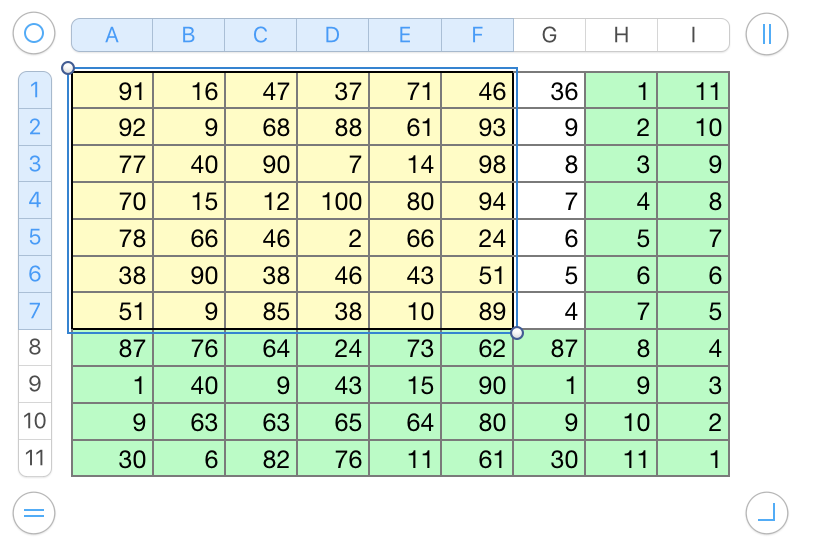
Click on an empty space in the canvas.
Paste.
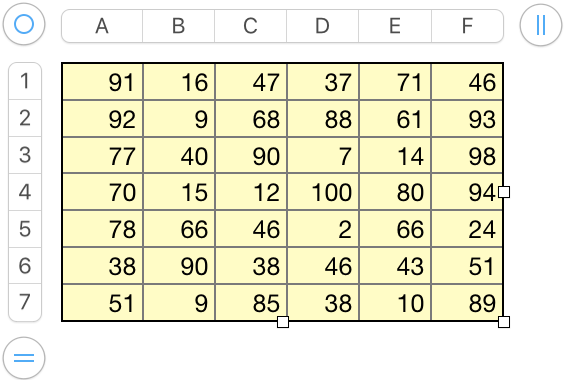
Select all cells of the new table that is created.
Sort on one or more columns. (example: ascending on column D)
Select all cells of the new table.
Copy.
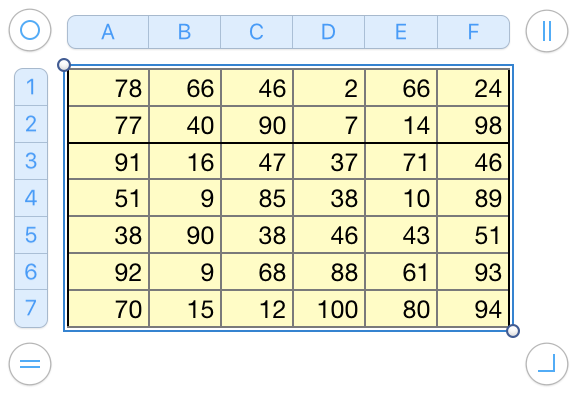
Select cell A1 of the original table (single click).
Paste.
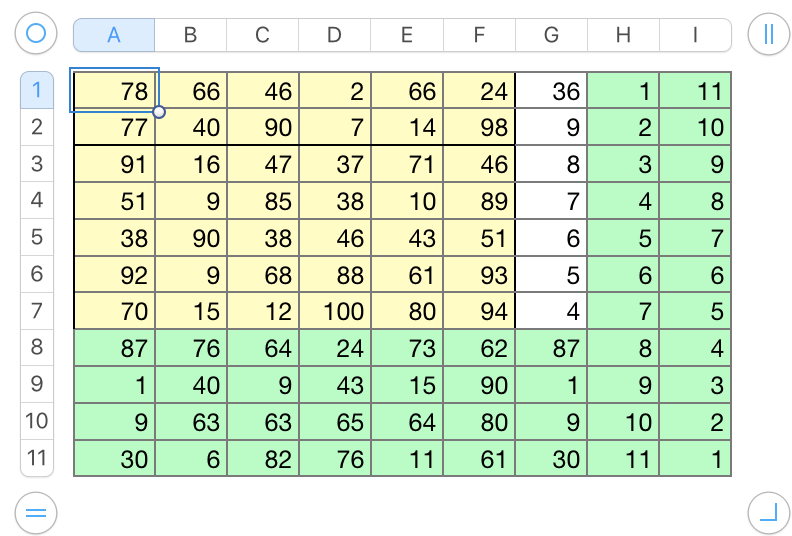
Select new table.
Press delete.
Done.
Tried it a second time, without the stops to create all the screen shots. Start to finish took less than 40 seconds.
EDIT: Re-read SG's updated procedure. Could take even less time, without having to rush.
Regards,
Barry
