Black screen on iPad Mini 2 after iOS 12 Upgrade

Hi,


My iPad Mini 2 was working beautifully on iOS 11.etc but it automatically updated to iOS 12 during the night.


The problem I have now, is it starts up fine but as soon as I click the standby button or close the cover on my iPad to lock it, the screen goes black and never comes back.


The only way way to get the iPad to come back is through a hard reboot.


This is totally ***** as I have hard rebooted my iPad 5 times already this morning and it was totally fine before the update.


The battery is is full and this happens on power and disconnected from power as well.


Please help.


Thanks

Grant

Posted on Sep 20, 2018 12:58 AM

Reply
Question marked as Top-ranking reply

Posted on Feb 11, 2019 2:33 PM

Thank you, for this post. This was exactly what I did this weekend. I have to say that I was very impressed with the service from apple. After I called them for support and could not help over the phone, they booked me an appointment at the nearest apple store. After a few glitches and a full restore, I now have a fully working iPad mini 2 on iOS 12. The tech guy said that is may have been because I was updating form iOS 8, also it would not update on windows but was fine on the Mac. Hope this helps someone out there , who is as frustrated as I was. Also no charge by apple for the support or appointment. Thanks apple.

85 replies

Dec 12, 2018 5:01 PM in response to Editwhiz

Okay, as promised, here are the details on how I got a new replacement iPad mini 2 from Apple to resolve this issue. To be clear, the device was well out of warranty and never had an extended warranty. And while I do own a fair share of Apple products, I am in no way anyone important or a high-finance decision maker for a large company with a considerable investment in Apple products. I'm just a trucker who lives on the road 24/7.


So here's what I did. You're mileage will likely vary. The trick is to keep notes, particularly of people's names, departments, titles, and phone numbers and never, ever give up. Just stay on it every day until the issue is resolved.


  1. Do your homework. Collect the model, serial, and IMEI numbers as well as the specs of the device (RAM, Cellular, etc).
  2. Call Apple technical support at 1-800-MY-APPLE and ask to speak to a "Technical Supervisor". (This is hit or miss, depending on who who get on the phone). You COULD try a little social engineering and suggest that you're "returning a call" to a Technical Supervisor or you might try jumping ahead by calling the Supervisor's Department directly, but I suspect the numbers or at least the extensions are rotated. For example, one extension was five digits long and another was seven digits long just six days apart from each other. The phone numbers were also very different, but here they are if you want to try that route: 1-877-203-0418 and 1-877-388-0879. Regardless of how you get there, absolutely NOTHING will happen until a Technical Supervisor discusses your case.
  3. Be very clear as to what you expect them to do. I simply wanted a functional iPad mini 2 like I had before iOS 12.0 bricked it. Also, be clear that there is no doubt in your mind that the iOS firmware is responsible for the problem. And make sure they know that the device is functional (responds to iTunes, Siri can be activated, etc), it's just the display that's not working.
  4. During your discussion with the Technical Supervisor, be sure to refer to this support thread (https://discussions.apple.com/thread/8544153). This is very important. It gives them an idea of the history, issues involved, and number of people affected. In my case the Technical Supervisor asked me to run a number of analytic logging processes over the next couple of days (Settings > Privacy > Analytics). These have to be requested by them in order to work.
  5. These logs may reveal other issues that are wrong with your iPad. In my case it indicated that my battery had over 500 cycles. That's substantial. I also tried to completely drain the battery by taping the power button until it didn't even have reserve power to show the charge request screen. This flagged the battery as "dead" in the logs. Don't let them get distracted by this or any other problem. The battery is not the problem, because the problem persists when plugged into power.
  6. If all goes well initially, you should receive an email from the Technical Supervisor you spoke with including their name, direct phone number and extension. Hold onto this! And call them on a DAILY basis UNTIL they confirm that the issue has been escalated to either Engineering or Repair. Engineering means more waiting and perhaps more questions and analytics. Repair means you're on the home stretch.
  7. They can decide to either deny service, offer repair options, or replace your iPad. (Be aware, they usually don't have to do anything for a device that is out of warranty with an aftermarket display, but this is a "special circumstance" due to the firmware issue, so be gracious). I opted for replacement.
  8. Replacement can be handled in one of two ways; 1) drop off your iPad at a local Apple Store and deal with parking and crowds in the middle of a busy mall during the Christmas Season, or 2) they can mail you a FedEx return box. I opted for the box. It has everything you need to secure the device and send it back to them. It even included these cool little tape strips to secure the box.
  9. If everything goes well, when your iPad arrives at the repair center, the tech should see that your repair order has been flagged by the Technical Supervisor as a "special circumstance" and will ship you a replacement iPad of the same specifications at no charge. The replacement even comes with a 90 day warranty!


All said and done, from first call to new delivered iPad was just six business days.


Please be sure to share your observations, successes and challenges here so everyone can benefit from your experience.


Best of luck to you all.


Scott


[Personal Information Edited by Host]


Sep 20, 2018 10:53 PM in response to BreeZee_17

Hi BreeZee_17,


Thanks for your reply.


I did have a full backup from my iPad Mini 2 on my MacBook Pro. This was done with iOS 11.4.1.


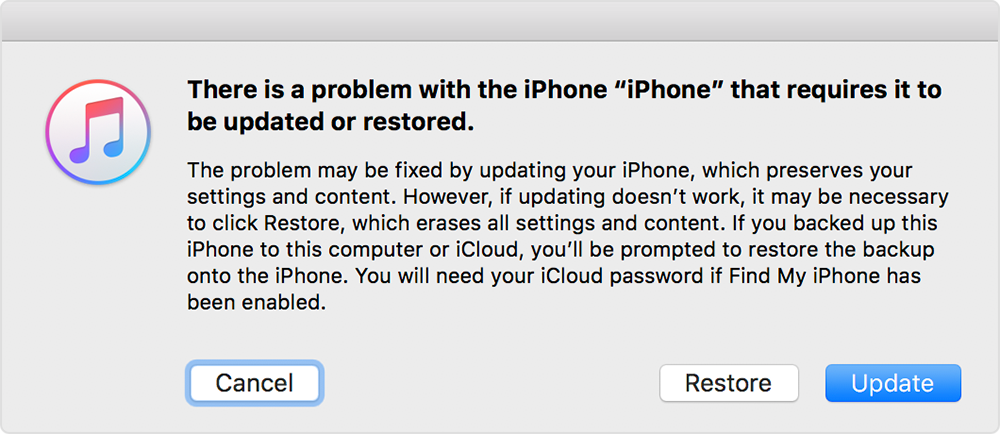
I tried updating the iPad via the latest version of iTunes and the problem persists because it keeps using iOS 12


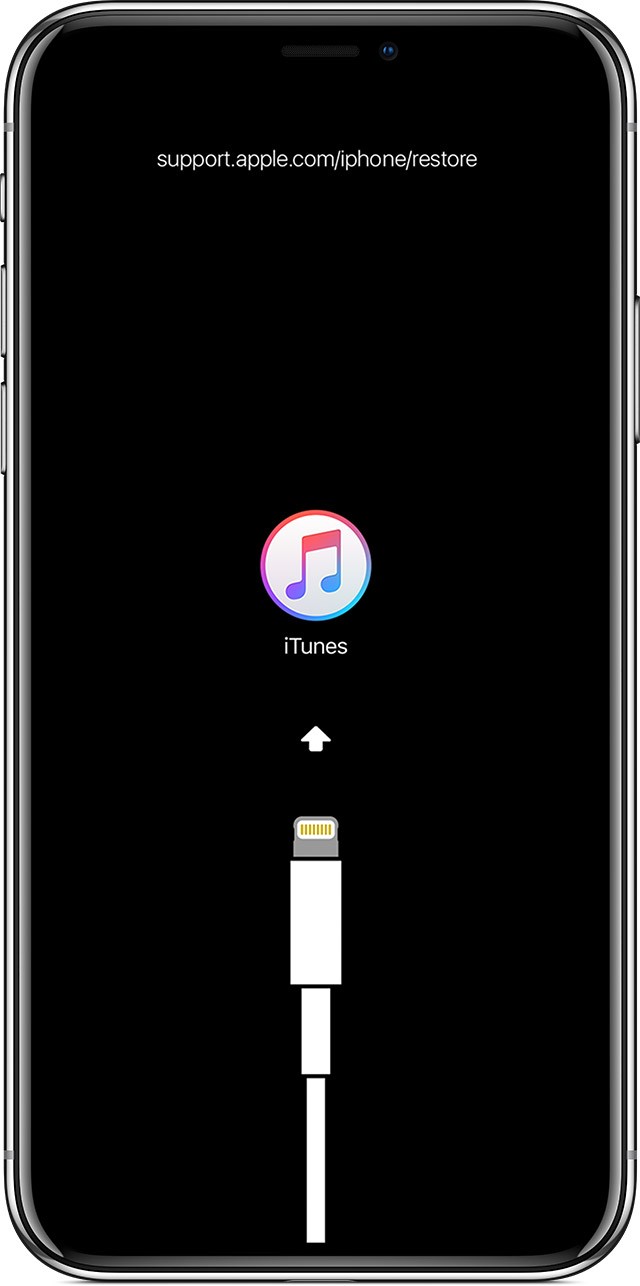
So I did a full restore and wiped the iPad clean. Once again it’s only iOS 12 as an option.


Unfortunately even with a full reformat the problem is still there with the black lock screen.


I called Apple support who did a diagnosis and told me that the hardware is fine. They also confirmed that it’s impossible to roll back to iOS 11.4.1.


So I have booked an appointment at an Apple store but what options do I really have?


Unless they have some magical software fix or can roll the iPad back to 11.4.1, it’s totally useless as a device.


It’s still supported as a device according to Apple but due to its age it’s no longer under warranty.


I don’t want to pay hundreds of pounds for a new one when I’ve looked after this tablet and followed all of Apple’s instructions to keep it running and productive.


I used Apples recommended settings and now Apple’s update has rendered it unusable. Where do I stand as this is very distressing.


Any advice or help?


Thanks

Grant

Oct 17, 2018 4:39 AM in response to BreeZee_17

Just to recap the steps and senarios I took as well.


My model is iPad mini 2 128GB - me840kn/a

Fully functional before update.


After iOS 12 update, it is no longer possible to wake it from sleep/lock. A dim change in the screen lighting is seen when trying to do so. A hard reset will boot the device again, and if I log on to the device and force it to never go to sleep or lock it, I can use it just fine.


Should I however by accident lock it, I only have the option of hardresetting it again.


Factory reset and recovery from backup had no effect either.


Regards, Torben Brouer

Oct 17, 2018 5:38 AM in response to BreeZee_17

HI @BreeZee_17


I did exactly your step but it nothing happened and the problem still exists. If you can contact anyone in DEV or PRODUCTION team, please tell to them having a BIG ISSUE with IPAD MINI 2 and need must be fix right now.... I see there are 12 cases same with me so need take action before we don't want to use APPLE device anymore.


Thank you

#Tim Cook
#Craig Federighi
#Dan Riccio

This thread has been closed by the system or the community team. You may vote for any posts you find helpful, or search the Community for additional answers.

Black screen on iPad Mini 2 after iOS 12 Upgrade

Welcome to Apple Support Community
A forum where Apple customers help each other with their products. Get started with your Apple Account.