I can't restore a backup from OS X, it says iPhone iOS is not the newest. What can I do?

Hi,


I've been trying to merge data from old iPhone 6 to a new iPhone 6. I backed up to my mac and was trying to restore the backup to the new phone.

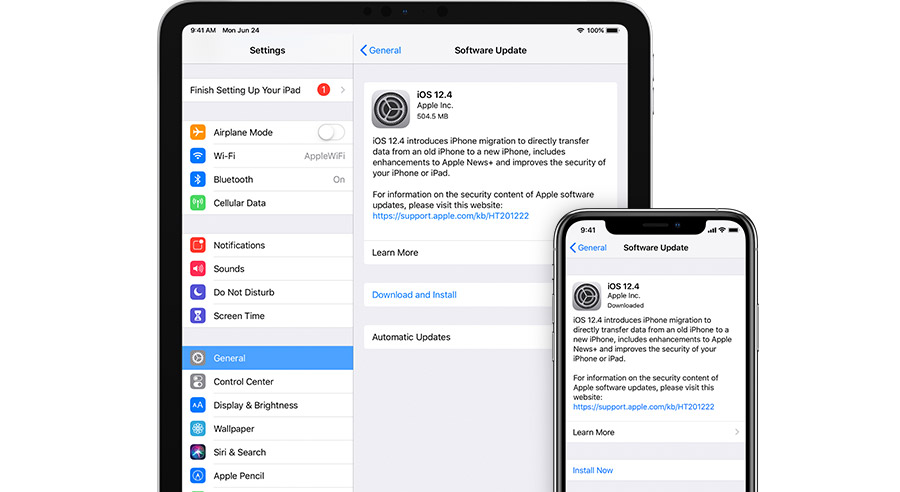
It continuously fails due and telling me to first update iOS on the phone because the backup and the phone are not compatible. I have done so but still getting the error.

I also tried to update the old phone's iOS, redoing the backup and trying to restore this backup to new phone. Failed again with same error.


what can I do?

iPhone 6s

Posted on Jan 30, 2020 1:00 AM

Reply

Similar questions

1 reply

Jan 30, 2020 1:05 AM in response to SimonDarling

If you see an error when you update or restore your iPhone, iPad, or iPod

Learn what to do if you see an error code or alert when you use your computer to update or restore your device.


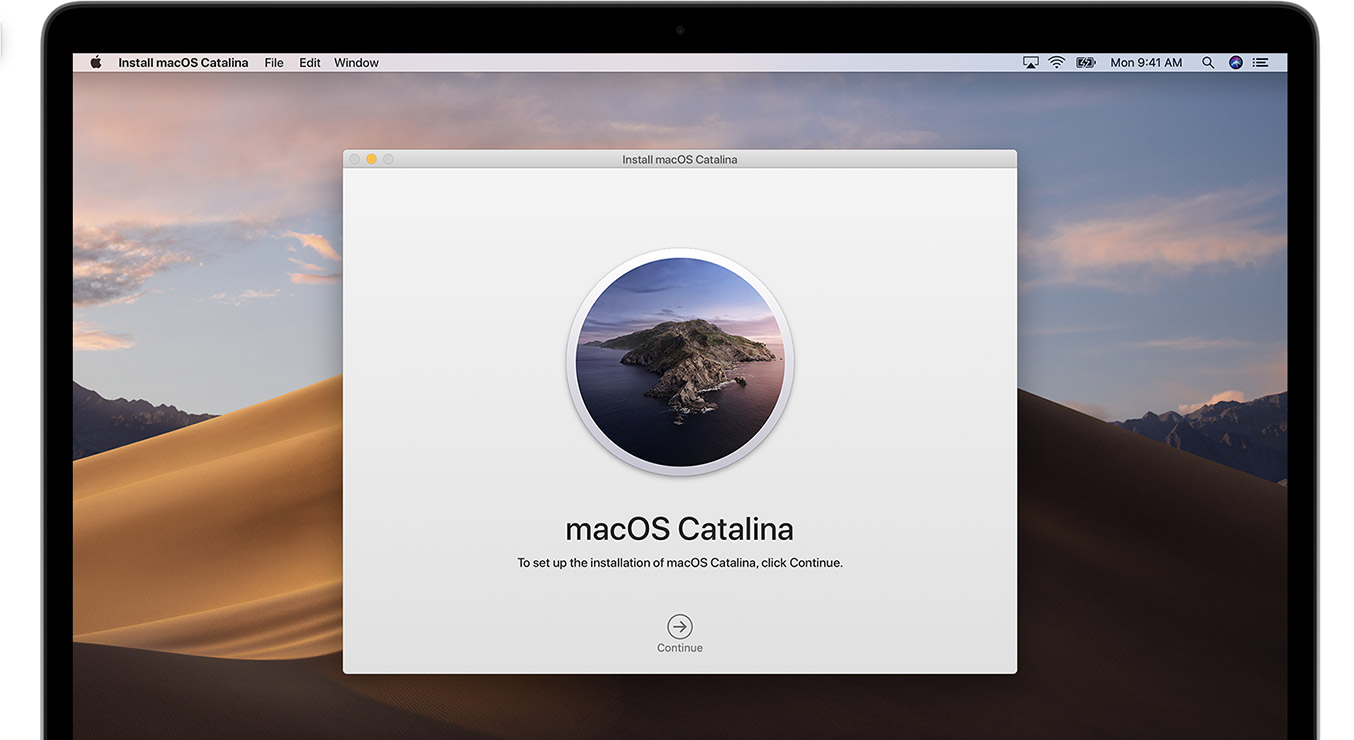
Update your Mac or PC

Install updates for your Mac. If you have a PC, get updates from Microsoft. If you're using iTunes, make sure you have the latest version.


Plug directly into your computer

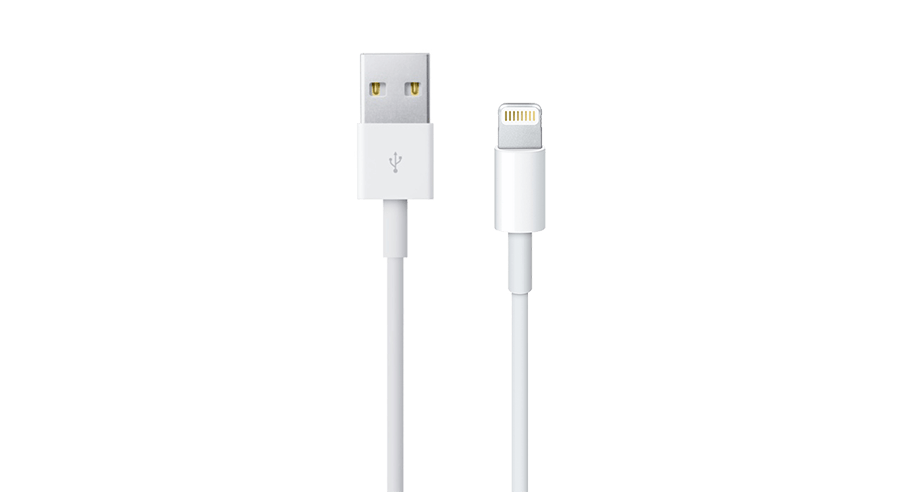
Plug your iOS device directly into your computer's USB port (not into an attached keyboard or USB hub). If you still see an error alert, try a different cable.


Restart

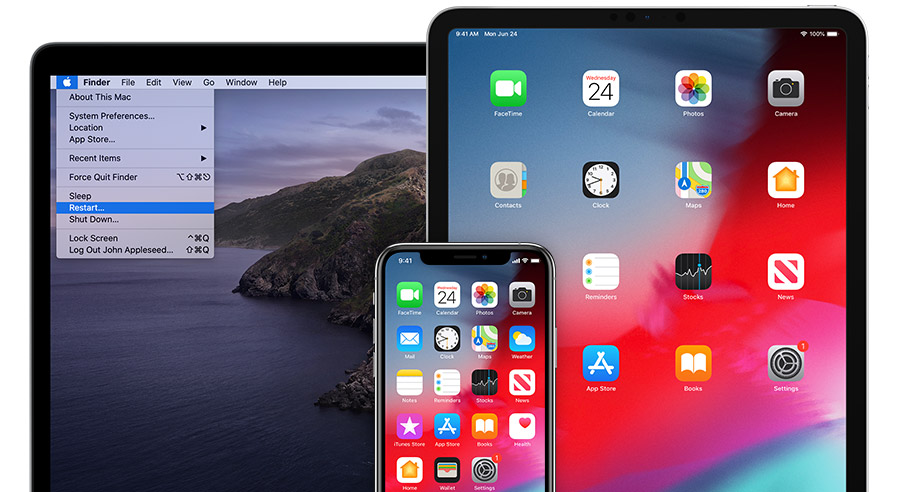
Turn off your computer and your device. Then turn them on again.

Here's how to restart your iPhoneiPad, or iPod touch.

Check your computer’s security software

You might need to update, change, or uninstall software that could be interfering with your computer's connection with iTunes.


Try again

Update or restore your device again.


Get more help

If you tried these steps and saw the error again, follow the steps for your error code.

This thread has been closed by the system or the community team. You may vote for any posts you find helpful, or search the Community for additional answers.

I can't restore a backup from OS X, it says iPhone iOS is not the newest. What can I do?

Welcome to Apple Support Community
A forum where Apple customers help each other with their products. Get started with your Apple Account.