I am reporting same issue on Mac OS Big Sur 11.1 on a brand new Mac Mini M1 with new setup, nothing carried over or migrated from any previous setup. After I sign in or log in to my account, the Screen Saver starts without being invoked, I have even indicated the setting for it to start after Never. Sometimes I can't find the login prompt leaving me with the only option to restart the computer.
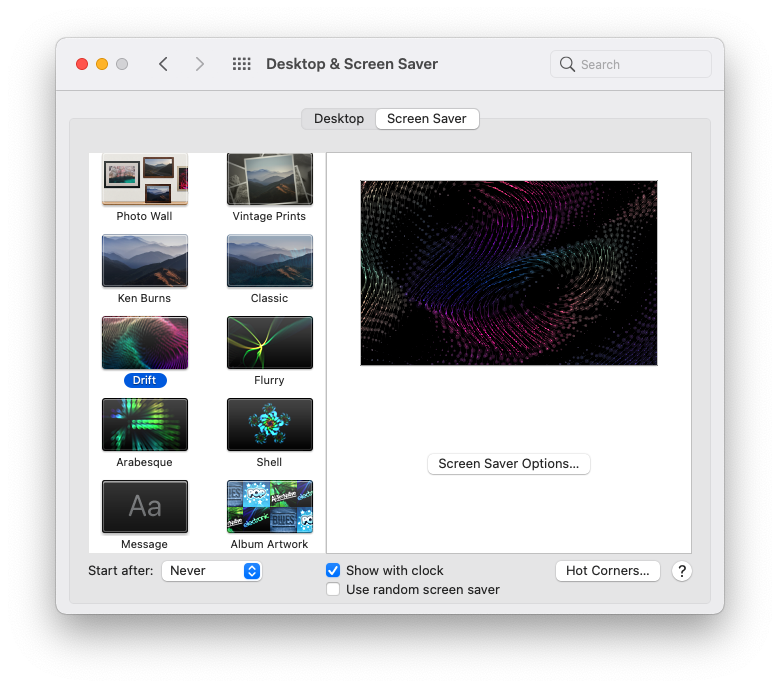
I have several accounts for my family, three users, and a Guest user. The only thing that has helped me, a workaround, is to set Hot Corners under Screen Saver where I set one of the corners to Put Display to Sleep for it to go dark and when I trigger a wake up with either a keypress or mouse click it will prompt me for my password to log in.
It seems that the System Preferences options have to be activated and deactivated a couple of times in order to work. My computer, Mac Mini M1, came running with FileVault on, and since there are a few issues with speed and hiccups of encryption, I chose to deactivate FileVault, not sure if this is also part of the messy issue.



