i disconnect my airpods but still no sound is coming from my right
i disconnnected my airpods but still no sound is coming from my right
iPhone 8, iOS 15
i disconnnected my airpods but still no sound is coming from my right
iPhone 8, iOS 15
Hello gabriela_1238,
We see you’re coming from the article: If your left or right AirPod isn't working. That’s a great article for this issue! Make sure you specifically try these steps from the article:
1. Make sure that your charging case is fully charged.
2. Place both AirPods in your charging case and let them charge for 30 seconds.
3. Open the charging case near your iPhone or iPad.
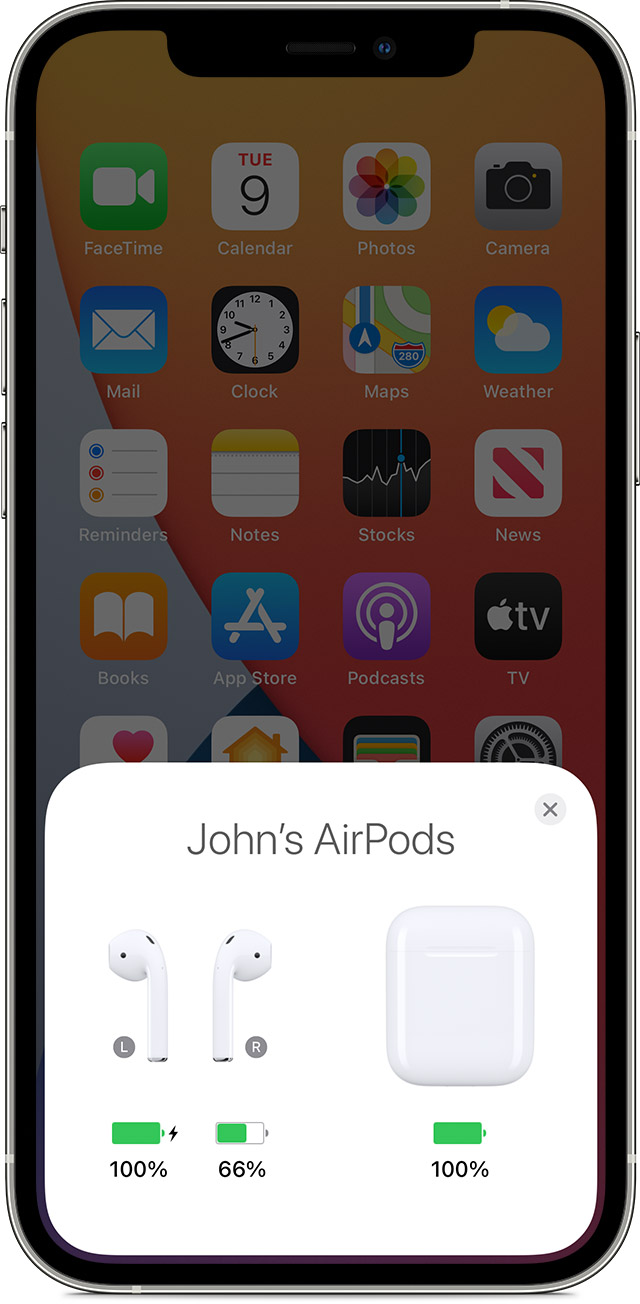
4. Check the charge status on your iPhone or iPad to make sure that each AirPod is charging.
5. Put both AirPods in your ears.
6. Play audio to test both AirPods.
If your AirPod still isn't working, reset your AirPods or reach out directly to Apple Support:
Best Regards.
Hello gabriela_1238,
We see you’re coming from the article: If your left or right AirPod isn't working. That’s a great article for this issue! Make sure you specifically try these steps from the article:
1. Make sure that your charging case is fully charged.
2. Place both AirPods in your charging case and let them charge for 30 seconds.
3. Open the charging case near your iPhone or iPad.
4. Check the charge status on your iPhone or iPad to make sure that each AirPod is charging
5. Put both AirPods in your ears.
6. Play audio to test both AirPods.
If your AirPod still isn't working, reset your AirPods or reach out directly to Apple Support:
Best Regards.
gabriela_1238 Said:
"i disconnnected my airpods but still no sound is coming from my right"
-------
Troubleshooting AirPod Audio:
First off, make sure that the volume is not muted on your iPhone. Muting the volume can also be performed on an app itself. So, be certain that all volume is not muted on then iPhone and the app in use.
A Few Links that May Help:
i disconnect my airpods but still no sound is coming from my right