iPhone 14 Camera is Blurry

My brand new iPhone 14 Pro Max’s camera is blurry whenever attempting to take close up pictures in 3rd party apps like Amazon, Target, Walmart (ie barcode scans). Phone is brand new out the box, updated to latest iOS (16.0.2), and have reinstalled the apps.


Anyone else with this issue?


[Re-Titled by Moderator]

iPhone 14 Pro Max

Posted on Sep 24, 2022 9:03 AM

Reply
Question marked as Top-ranking reply

Posted on Nov 19, 2022 2:42 PM

You are correct, there is usually no hardware issue as it works as designed, third parties need to update their apps as stated.


There are several third-party apps that work perfectly scanning bar codes on the 14 Pro Max, as does the QR scanning ability that is now part of the Camera app.


Scan a QR code with your iPhone, iPad, or iPod touch - Apple Support


The Code Scanner that Apple provides in Control Center also works perfectly, the key is not to try to force the block to fill the square but rather back the phone up until the QR code is in sharp focus and the scanner will read it instantly.


This obviously won’t work but backing the phone up a few inches/several cm until the code is in sharp focus will, every time.
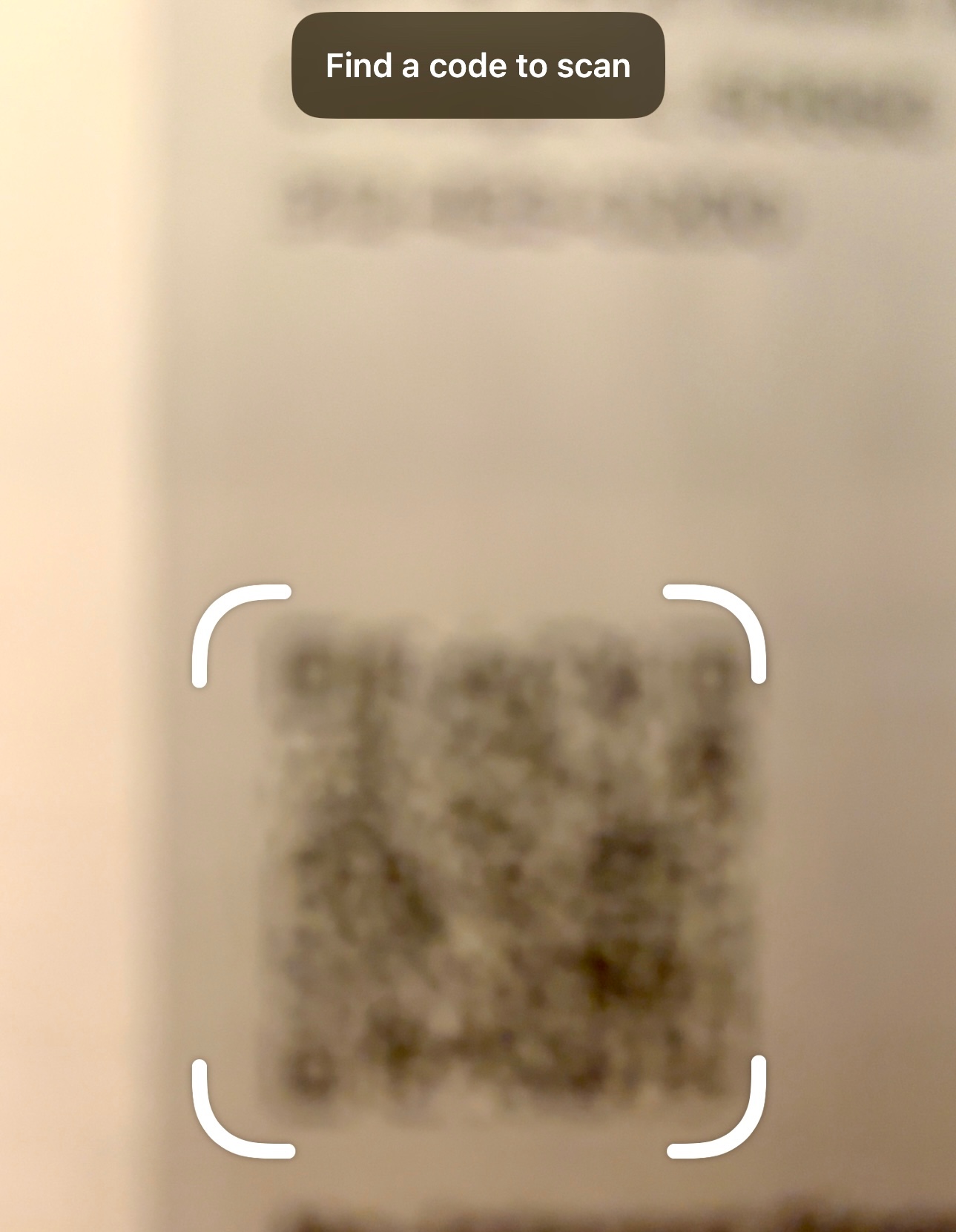


If it doesn’t work for you, then there may be something wrong with your device; I recently visited an Apple Store and it worked with every iPhone 14 they had on display, too.


The interesting thing is the Camera app will switch to the macro lens to be able to focus more closely where the Code Reader app instead requires you to hold the phone further away so it can focus.


162 replies

Dec 14, 2022 2:46 PM in response to EtaoinShrdlu

That’s kind of a strange QR code that none of my devices will read easily, though my 14 Pro Max will read it eventually (but as “_R1-AT0_630/097_001-2022-12-03T11:25:34MSR9217_2022-12-03T11:25:34_79,65_102,88_0,00_0,00_0,00_2W8XW6ymrV4=_U:ATU24963706-1_zRRUQdC4lug=_5/Ndx259Ves5QxM2ubrATw9T3IvQqMm3/eqbu1Mf0kM/NnqsPMGQcVYlfZawPPfwRZSO9xkgxTwN3JGOKAP5rg==“)


For a normal QR code, Camera can be read a code like this instantly, far away and at this size:


Dec 26, 2022 1:12 AM in response to Dogcow-Moof

Nope.

The very relevant point is: “If you are using [the] camera to read them […]”

If you have to use a third-party app or Safari it does not work reliably.

I repeat: If you have to use a third-party app or Safari it does not work reliably.

I repeat again: If you have to use a third-party app or Safari it does not work reliably.


AND: I was able to scan the same QR code with my old iPhone X in the same app every time. So the code is definitely not corrupted (?), and no issues on iPhone X.


Dec 26, 2022 2:21 AM in response to Voodoo_23

I can't say which QR codes you are having difficulties which, but I have yet to see my iPhone fail to read a properly formatted QR code.


That doesn't mean there aren't certain apps that don't, but Camera and Scandit both have, the Best Buy app reads QR codes without issue, and the Walmart app reads the QR code on registers for Walmart Pay instantly.


When it comes to bar codes, the Amazon app has read every product bar code I've aimed it at as has the Walmart app.

Dec 27, 2022 7:11 PM in response to stevenbad

Mostly because I've never been able to make it fail, no matter what app or code I use, and I use this functionality several times per day with no issue, nor have any of the hundreds of others of people I personally interact with with 14/14 Pro/14 Pro Max devices.


If Apple is indeed working an issue, it will be fixed in a future version of iOS and there is also no further action to be taken.

Dec 29, 2022 4:51 PM in response to stevenbad

Despite the number of "Me too" clicks that does not actually mean people are experiencing the same issues as there seem to be several conflated ones, or that their third party apps have not been corrected to resolve the issue.


I will continue to offer advice as to how to resolve the issue if you are experiencing it simply because I have not yet been able to get a proper bar or QR code not to read, and any issues with third party camera apps are obviously the responsibility of said third party or resolve.

Feb 8, 2023 9:39 PM in response to stevenbad

I have an iPhone 14 pro and have had it since mid Dec 2022. The camera has been working great until tonight. I use the camera often. All of the sudden, the photos are all blurry. This is with the IPhone photo app. It is not exclusive to any third party apps. Tried rebooting but same issue. I need the camera to work as it's an important part of our day to day work. Please advise.

This thread has been closed by the system or the community team. You may vote for any posts you find helpful, or search the Community for additional answers.

iPhone 14 Camera is Blurry

Welcome to Apple Support Community
A forum where Apple customers help each other with their products. Get started with your Apple Account.
