Backup No Longer Working Ove Xfinity Wi-Fi - Getting "Poor Network Conditions" Error Message

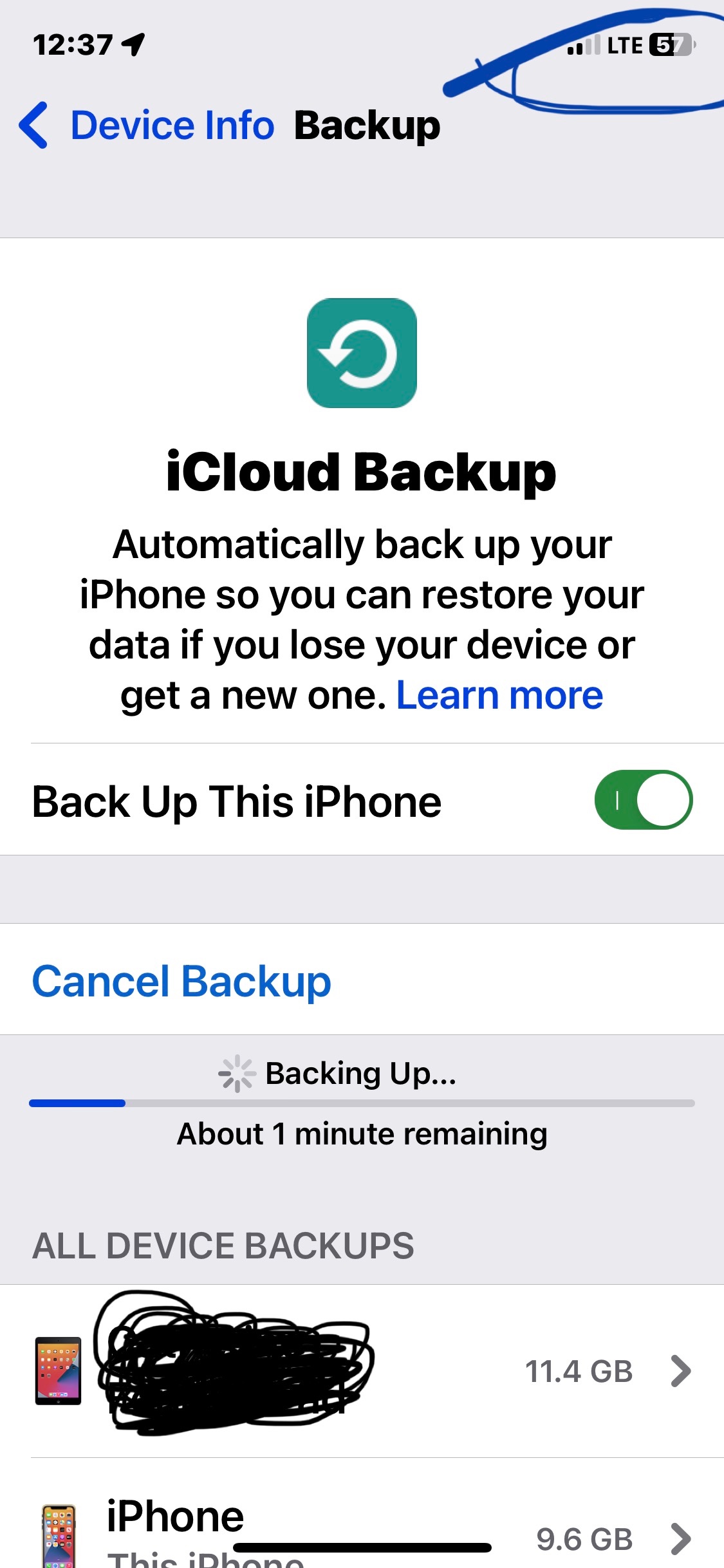
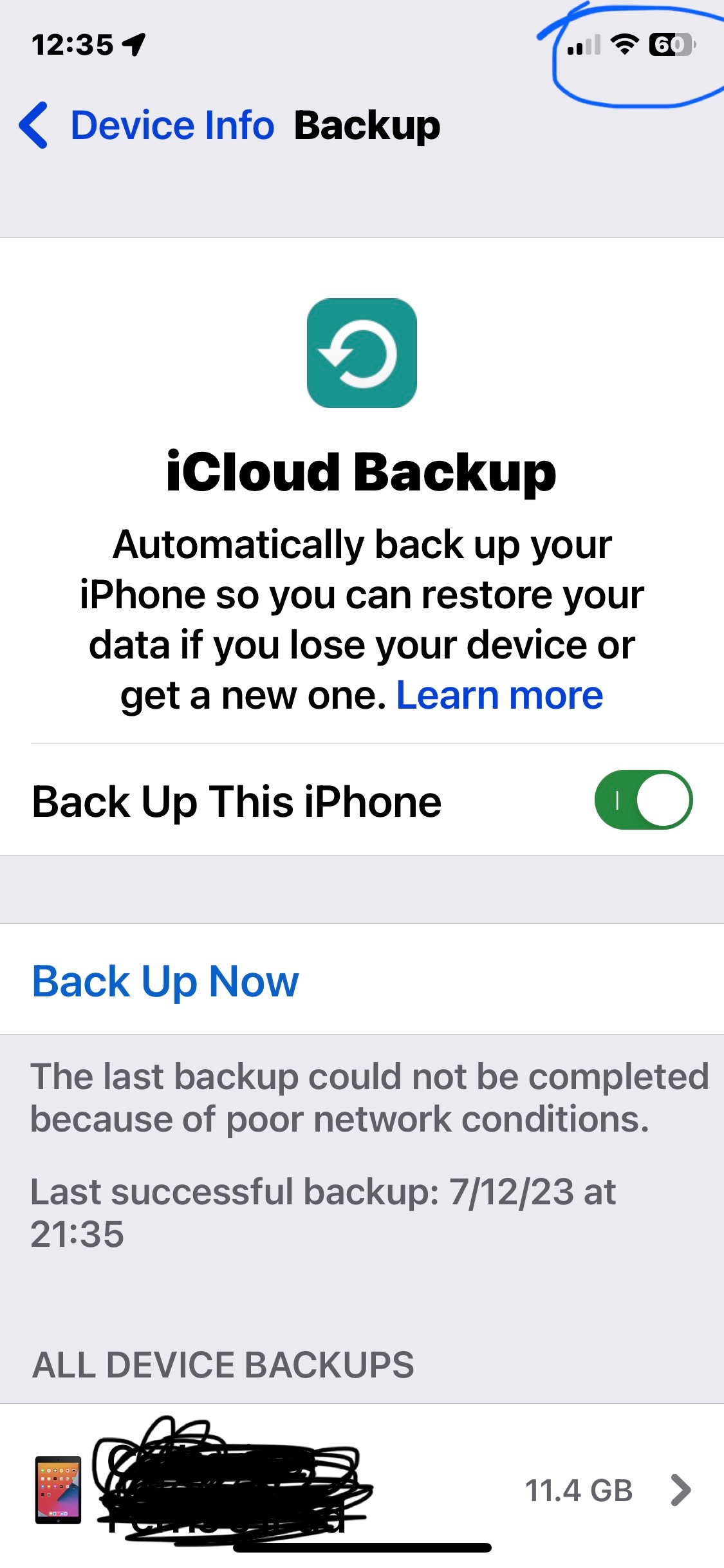
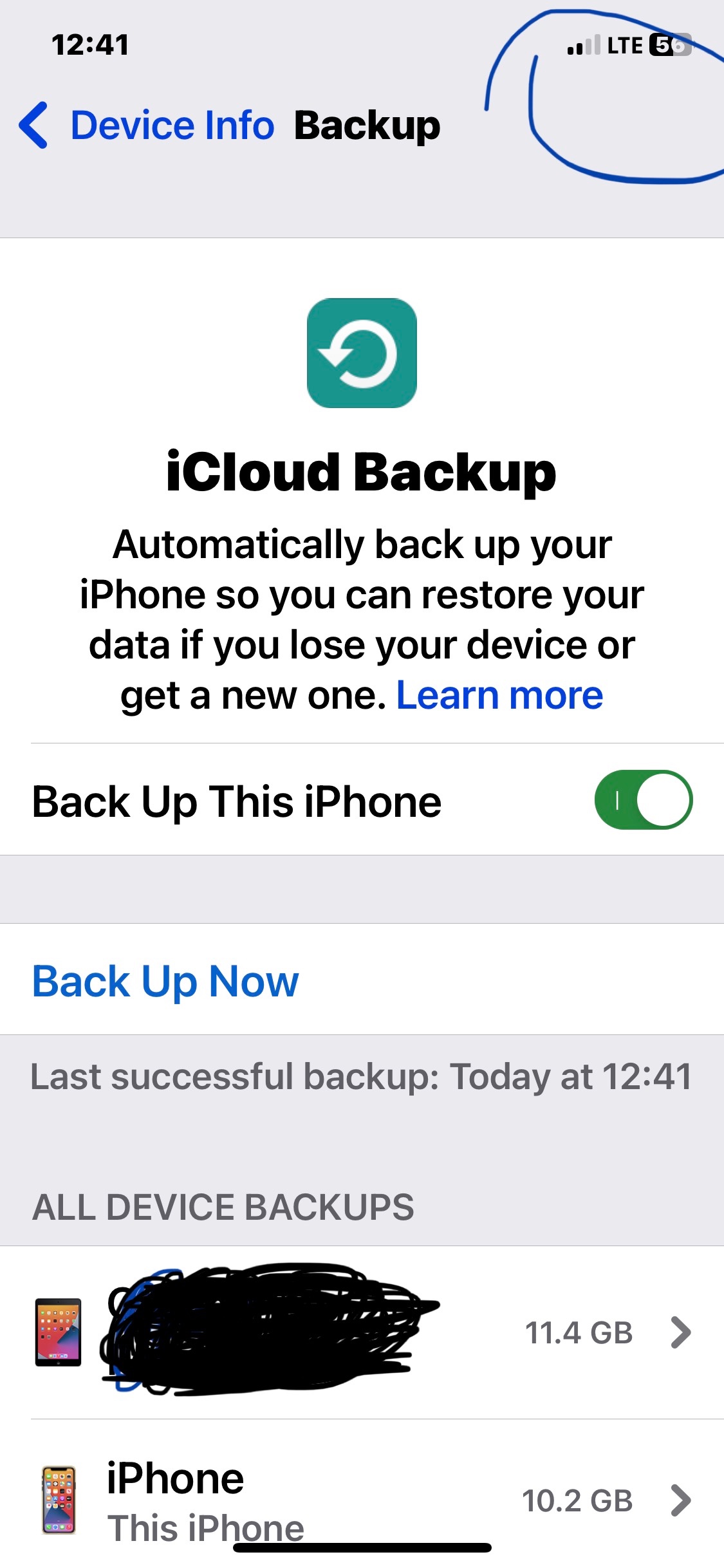
I can no longer backup over Xfinity Wi-Fi. I've reset the network settings, reset the modem, and even got a new Xfinity modem. I keep getting an error message saying "The last backup could not be completed because of poor network conditions". The network conditions are not poor.

iPhone 12 Pro

Posted on Jun 19, 2023 2:34 PM

Reply
Question marked as Top-ranking reply

Posted on Jun 27, 2023 5:01 AM

This started with getting a new gateway from Xfinity and the upgrade is it now has IPV6 with IPV4. The issue is not all IOS processes are IPV6 compatible and there is no way to disable IPV6 on Xfinity. The only work around is to get your own router that has this function and disable it until IOS does the update. This sucks but there’s no other way. 😔

340 replies

Jul 19, 2023 8:33 PM in response to rlhmass

Yes, this is related and mentioned many times in this thread.


As been mentioned before in this thread, the problem appears to be a firmware issue. I’ve been using the XB8-T for 8-9 months now, only having issues in the past month like others. The perplexing part of this is that some iPhones / iPads have the problem and some don’t. Doesn’t seem to be a consistent pattern.

Aug 16, 2023 4:39 PM in response to rlhmass

6.2 one…. I was confused like you

I asked today why wasn’t I seeing 6.3 - and they confirmed it was pushed and it’s 6.2

So I have my network split- was able to backup on 2.4 ( for weeks) but not 5 - this morning I turned wifii off then back on- also forgot network ( to play safe) did manual backup on 5 for my iPhone and iPad and it worked - I am actually going to do another manual backup on 2.4 shortly just to make sure

let us know if yours works

Aug 21, 2023 10:39 AM in response to MollieDogMom

I have spent over 4 hours during the past two days doing online chats and talking directly to an Xfinity tech. He of course said he had never heard of this issue and sent me some irrelevant article about issues with Xfi complete and iOS 15. After quizzing him on the differences in XB7 and XB8 and having him explain other tech things I read on Redditt but didn't fully understand it seems like the issue must be due to a combination of XB8 being triple band and a firmware update to the XB8 during June. I've had an XB8 for most of this year and the issue didn't start until sometime around July 5th as that was the last successful back up until I was at a hotel July 26. I even connected to the nationwide xfinitywifi but that wouldn't allow a back up either which I still find odd to this day. His suggestion was to go into the Xfinity app and toggle off the 6 GHz band and see if that fixes it and if not, toggle off the 5 GHz. Agree with what everyone has stated. This isn't a solution for obvious reasons. It is very aggravating. We are not getting the internet service that we are paying for given this headache. I know I am not adding anything new. Just figured I would add my personal experience. The part I am not clear on is the firmware update. My current firmware is CGM4981COM_6.2p21s2_PROD_sey to which the tech said today is the latest. Well is the latest what he is aware of or was this firmware to include the update to fix this ridiculous issue? I plan on switching my bands and toggling off the 6 GHz later, I just don't have the energy to monkey with it or do the repeated forget this network, reboot the phone, turn wifi off and on fiesta for the millionth time over the past 3+ weeks. I will probably buy the ethernet adapter too since I know I can get it in a day.

Aug 22, 2023 2:44 PM in response to MollieDogMom

Thanks to all on this thread working to get Xfinity firmware fix. I have same problem, started last month. My iPhone 14 backs up fine, but iPad Pro stopped. I purchased Ethernet converter and have been using that to manually backup but it needs to be fixed so backups run automatically. Using the 8 version modem and have the 6.2p21s2 firmware. Glad to hear they are pushing fix by 9/5 to us.

Aug 24, 2023 2:07 PM in response to Incredibly_Frustrated

Just wanted to update all who received manual fix- I confirmed with Brian on Reddit - it was a manual- push so AVOID resetting modem until 9/5 when they confirm all devices received the new firmware- he said that is date everyone should be up to date - - I asked because I was under the impression permanent fix/new firmware was being pushed out in waves and that’s what I received on first push 8/15 - reason I reached to him is yesterday TV was acting up and thinking I I needed to do a reset( got nervous ) but it rebooted on its own.

Jul 14, 2023 2:26 PM in response to MollieDogMom

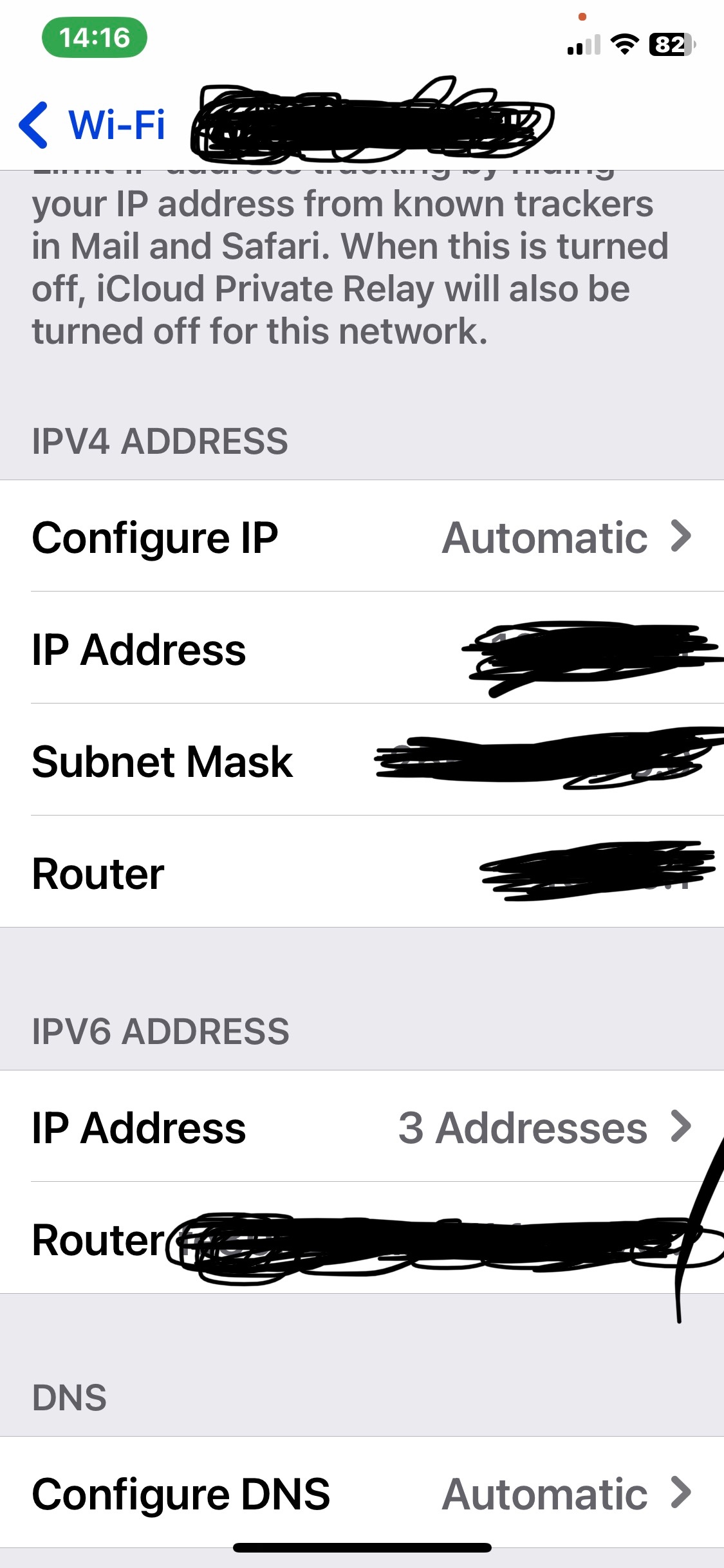
I am having the same problem. I have spent hours on the phone with Xfinity. Hours on the phone with Apple support. Why I think it is Xfinity: iPhone 11 Pro getting not been able to back up to iCloud since 6/25, an iPad 6 cannot update software both notifications stated a network issue. One wifi HP printer says to add a MAC address that is already there. We have plenty of memory and storage on our Apple devices. Network settings were restored on both apple devices. We have up to 12mbps download speed on our gateway modem. I have a newer iPad Pro that is able to download iOS versions and is UTD, and backs up to the iCloud just fine. Also, my iPhone is able to complete a iCloud backup using cellular. Someone mentioned Ivp4 and Ivp6. I noticed on my working devices they show just Ivp6, on my Apple devices that don’t work it shows both Ivp4 and Ivp6. Some people mention that this could be an Apple issue that needs fixing, some say it is Xfinity. I should not have to go to a neighbors house or an Apple Store to download, update, or back up to iCloud! I have only owned Apple products since my first MacBook Pro laptop in 1989, or around that time. During this time I have had to not upgrade to newer MacOS systems because my statistical software not being compatible with the newer MacOS systems. So, Xfinity just made some changes to their modems, and Apple just upgraded to iOS 16. Whatever it is now. Which came first? The chicken or the egg? Fix this issue Apple, please.

iPhone 11 Pro


Jul 17, 2023 10:52 AM in response to maccrazyrn

So after 2 hours with Apple support (senior) and 3 hours on phone with Xfinity (comcast) which finally escalated to an Xfinity tech home visit to check out the issues. The Xfinity tech got everything working perfectly! Not sure what he did. This issue is not an Apple or HP (printer) issue is is an Xfinity (comcast) issue. I saw a thread posted by Apple Community specialist that seems to provide the fix for the problem. Like I said, I am not sure what the Xfinity tech did, but it seemed to be similar to the Apple Community Specialist post addressing this matter. So just be patient and persistent with Xfinity when they make you go through the algorithms before going to another place to see if backup works on a different network! Get the home appt, or review the posting by the Apple Specialist. I will try and. Find the link and add it. Cheers!

This thread has been closed by the system or the community team. You may vote for any posts you find helpful, or search the Community for additional answers.

Backup No Longer Working Ove Xfinity Wi-Fi - Getting "Poor Network Conditions" Error Message

Welcome to Apple Support Community
A forum where Apple customers help each other with their products. Get started with your Apple Account.