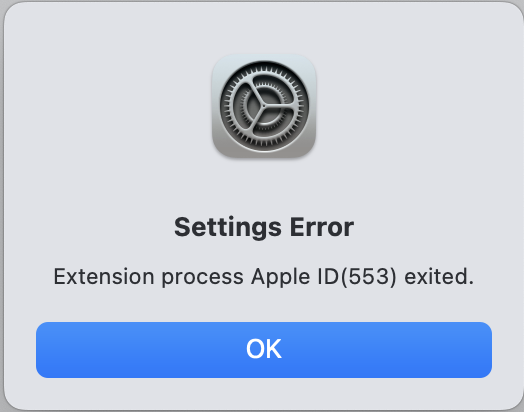
FIX: If you are receiving this Settings Error after updating to MacOS 14.1.2: “Extension process Apple ID (4589) exited” on your Mac.
Pretty much every workaround in this forum for the above problem is an example of what NOT TO DO to fix this error. Factory reset? Absolutely draconian and unnecessary if it works at all.
After the update to OS 14.1.2, when you follow the screen prompt and agree to accept the new iCloud Terms and Conditions, the “I Agree” link cannot complete because the update has already logged you out of your web iCloud page by turning off your web iCloud password. Under Settings on your Mac, your Apple ID categories will be grayed out and inactive.
The OS update has caused your web iCloud and your Mac iCloud to sever their connection because the new iCloud Terms and Conditions, the “I Agree” link cannot complete. This notification will keep popping up until you fix the problem. It removes trusted status for your Mac as well. It’s as if you never logged in, even if you selected “Keep me logged in”. Why? Who knows!
Here’s what I did to fix the error. It may not work for everyone but the basic solution is this:
•Shut down and reboot your Mac.
•Go to your web iCloud page, you will probably need to log-in again with your existing email and password. Select “Keep me logged in”. If successful, proceed to…
•Shut down and reboot your Mac.
•When the Apple Notification to accept iCloud Terms and Conditions appears, click the “I Agree” link.
•You will be sent to a pop-up that wants to verify you and requires you to select your Mac as “Trusted” by entering a 6 digit code sent to you into a page with six empty boxes. Do so. Follow further instructions.
•Now return to Settings on your Mac, and your Apple ID categories will be full color and active. They now should sync together, and the iCloud Terms and Conditions Notification will cease.