iPad Pro stuck in 11.4.1 update purgatory
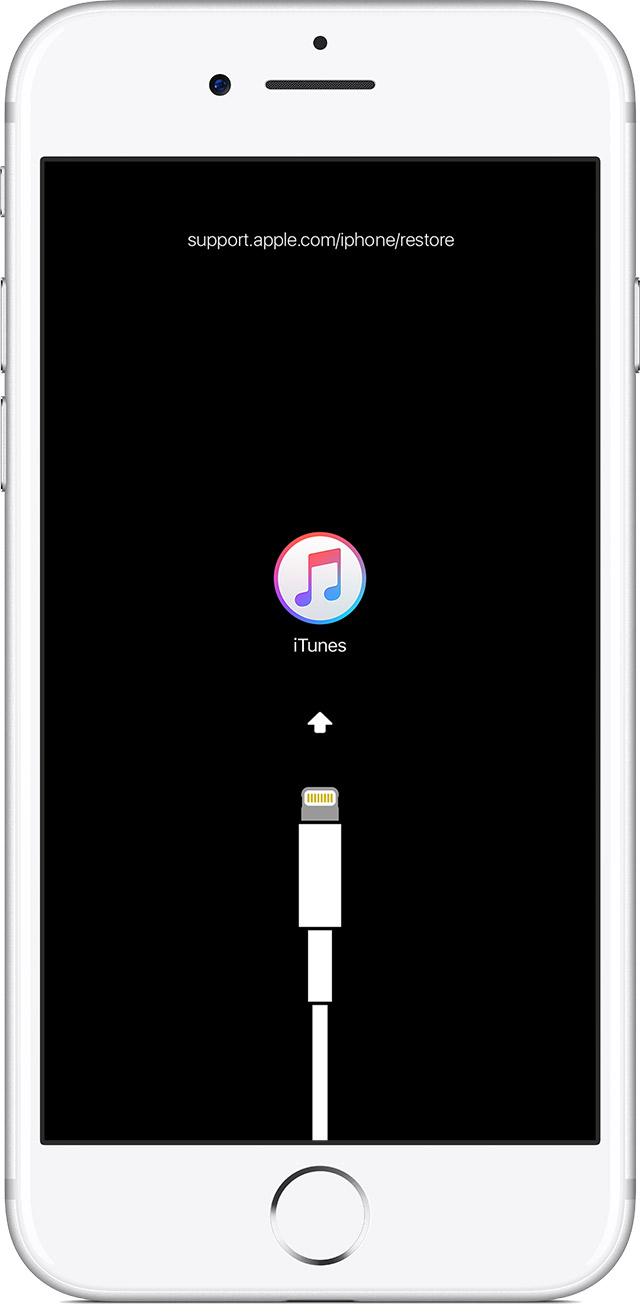
I began the update to my iPad Pro when the update came up through the 11.4.1 software update in Settings on the iPad Pro. The update bar gets to about 3/4 of the way then slows down, to almost to the very end (about 1/16" left on the update bar), but never completes the update. I have left it alone for a full 24hrs and it never finishes. I plugged it into my iMac and there is no option to update. When I try to restore, I get a message saying that I need to turn off 'Find My iPad' on the iPad. Obviously, this is not possible.
When I press the Start and Home buttons to reset, the Apple start up screen comes up, then I get a message to 'press the Home button to complete the update'. When I do this, same thing happens with the update bar as described above.
I can't turn off the iPad. It keeps restarting instead of turning off.
I can't get the iPad to safety mode.
Right now, the iPad is bricked.
iPad Pro Wi-Fi + Cellular, iOS 11.4.1