Your Apple Watch uses the personal information that you provide to help calculate metrics for your daily activity. You can further improve its accuracy using these tips.
Your Apple Watch uses your personal information — such as your height, weight, gender, and age — to calculate how many calories you burn and more.
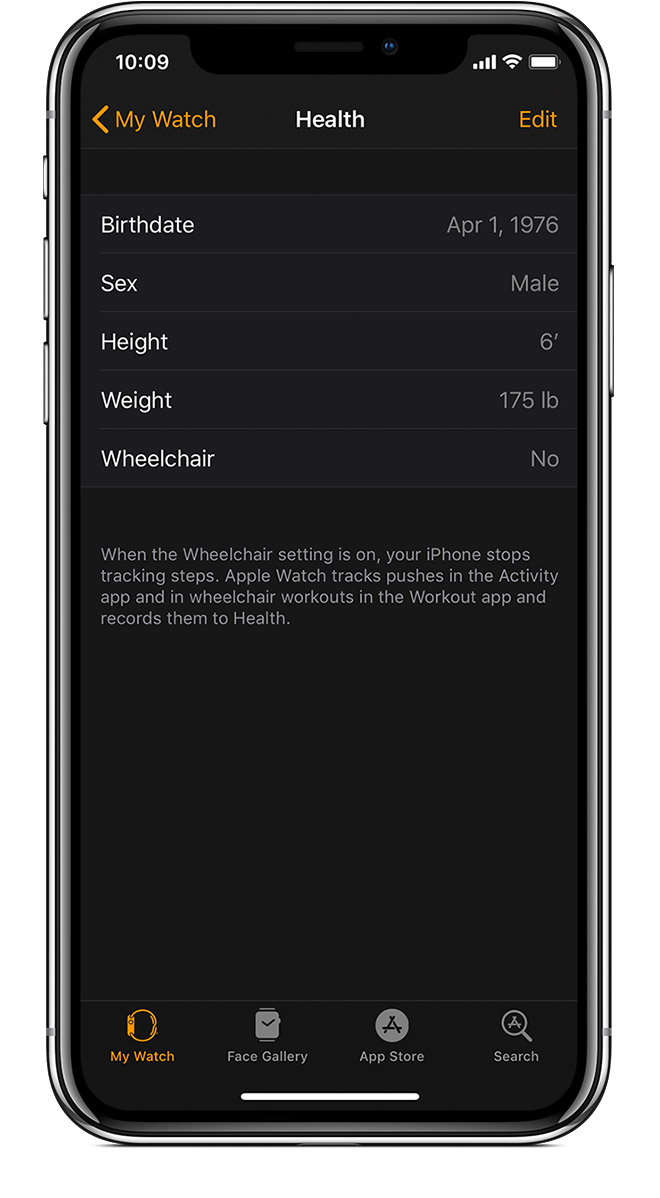
To update your personal information, open the Apple Watch app on your iPhone. Tap the My Watch tab, then tap Health. Tap Edit, then tap the item that you want to change.
Every full minute of movement that equals or exceeds the intensity of a brisk walk counts toward your daily Exercise and Move goals. For wheelchair users, this is measured in brisk pushes. Any activity below this level counts only toward your daily Move goal.
To make sure that you earn Exercise credit during walks, allow the arm with your Apple Watch to swing naturally. For example, while walking your pet, let the arm with your watch swing freely while the other holds the leash.
If you need both hands while walking, for example to push a stroller, you can still earn Exercise credit with the Workout app. Open the app on your Apple Watch and tap Outdoor Walk. The Activity app relies on arm motion and an accelerometer to track movement, but the Workout app can use the accelerometer, the heart rate sensor, and GPS.
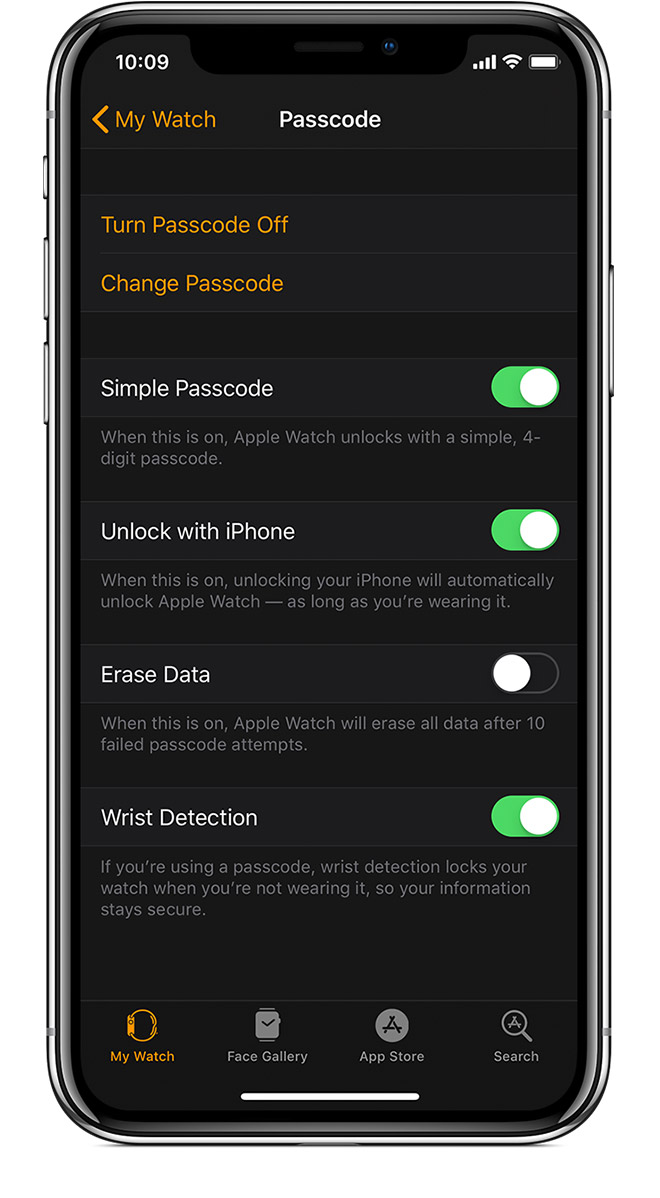
If Wrist Detection is off, you won't get Stand notifications, and your Apple Watch can't track your Stand progress. Background heart rate readings (like resting and walking rates*) won't be taken if Wrist Detection is off.
To check the setting, open the Apple Watch app on your iPhone. Tap the My Watch tab, then tap Passcode. Make sure that Wrist Detection is on.
Wearing Apple Watch with the right fit — not too tight, not too loose, and with room for your skin to breathe — keeps you comfortable and lets the sensors do their job.
You might want to tighten your Apple Watch band for workouts, then loosen it when you’re done. In addition, the sensors will work only if you wear your Apple Watch on the top of your wrist.
Learn more about wearing your Apple Watch.
To get the most accurate heart rate measurement when you use Workout, make sure your Apple Watch fits snugly on top of your wrist. The heart rate sensor should stay close to your skin. Learn about the accuracy and limitations of the heart rate sensor.
If you turn on Power Saving Mode during a walking or running workout, the heart rate sensor turns off. To turn off Power Saving Mode, open the Apple Watch app on your iPhone, then tap Workout > Power Saving Mode.
If you turn off Heart Rate in Privacy settings, you also won't get a heart rate measurement. To turn on Heart Rate, open the Apple Watch app on your iPhone, then tap Privacy > Heart Rate.
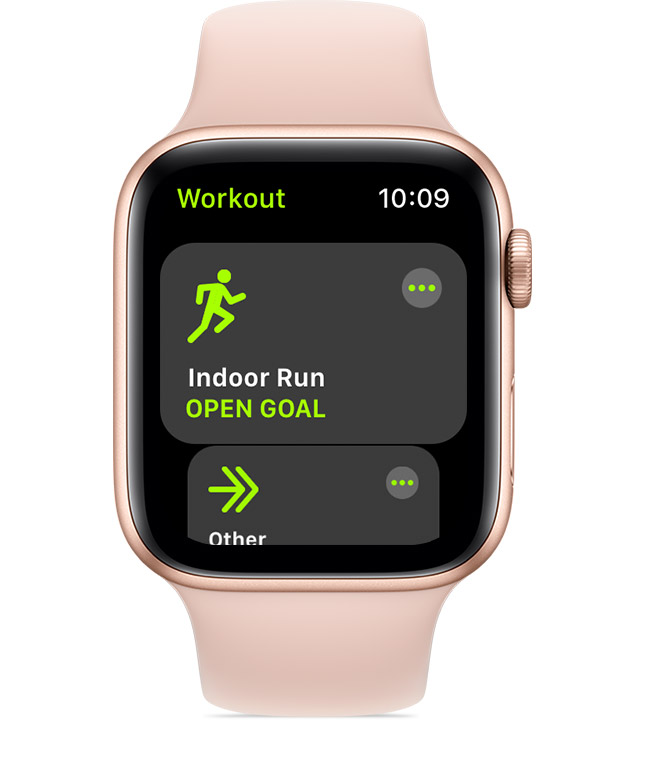
When you use the Workout app, choose the option that best matches what you’re doing. For example, if you're running on a treadmill, choose Indoor Run. If you're doing a workout that isn't listed, like strength training, choose Other.
Learn about each workout.
Calibrate your Apple Watch to improve the accuracy of your distance, pace, and calorie measurements. Calibrating your watch can also help it learn your fitness level and stride.
Learn how to calibrate your Apple Watch.


