How do you put video inside of shapes on Final Cut Pro X.

I am trying to put video inside of shapes in Final Cut Pro X like displayed in this video: aeth - LAPSANG / SOUCHONG (Official Music Video) - YouTube


I can only find tutorials of video inside of text. Is there anyone that can help me?

MacBook Pro with Retina display

Posted on Oct 28, 2018 8:46 AM

Reply
Question marked as Top-ranking reply

Posted on Oct 28, 2018 8:21 PM

This might help:

http://sight-creations.com/fxexchange/Cutouts.zip

It's an "effect" — apply it to a clip. Combine your shape generators in a stack and create a compound clip (make sure the length of the shape generators is as long as your cut needs to be!)


Click on the Drop Zone for this effect and choose a first frame (an "early enough" frame) of your shapes compound.


The default blend mode is set to Stencil Alpha (similar to luma - but guaranteed "opaque" cutouts with shapes). Try the other blend modes - you get some interesting effects and you can "double exposure" clips with it (overlay, hard light, color burn, etc.)


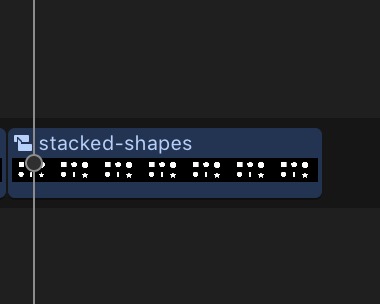
Stacked shapes generator:
User uploaded file

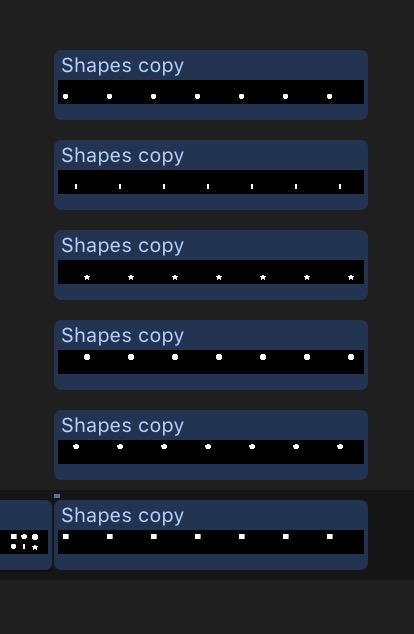
the compound clip:

User uploaded file


All your collected shapes in "one throw":
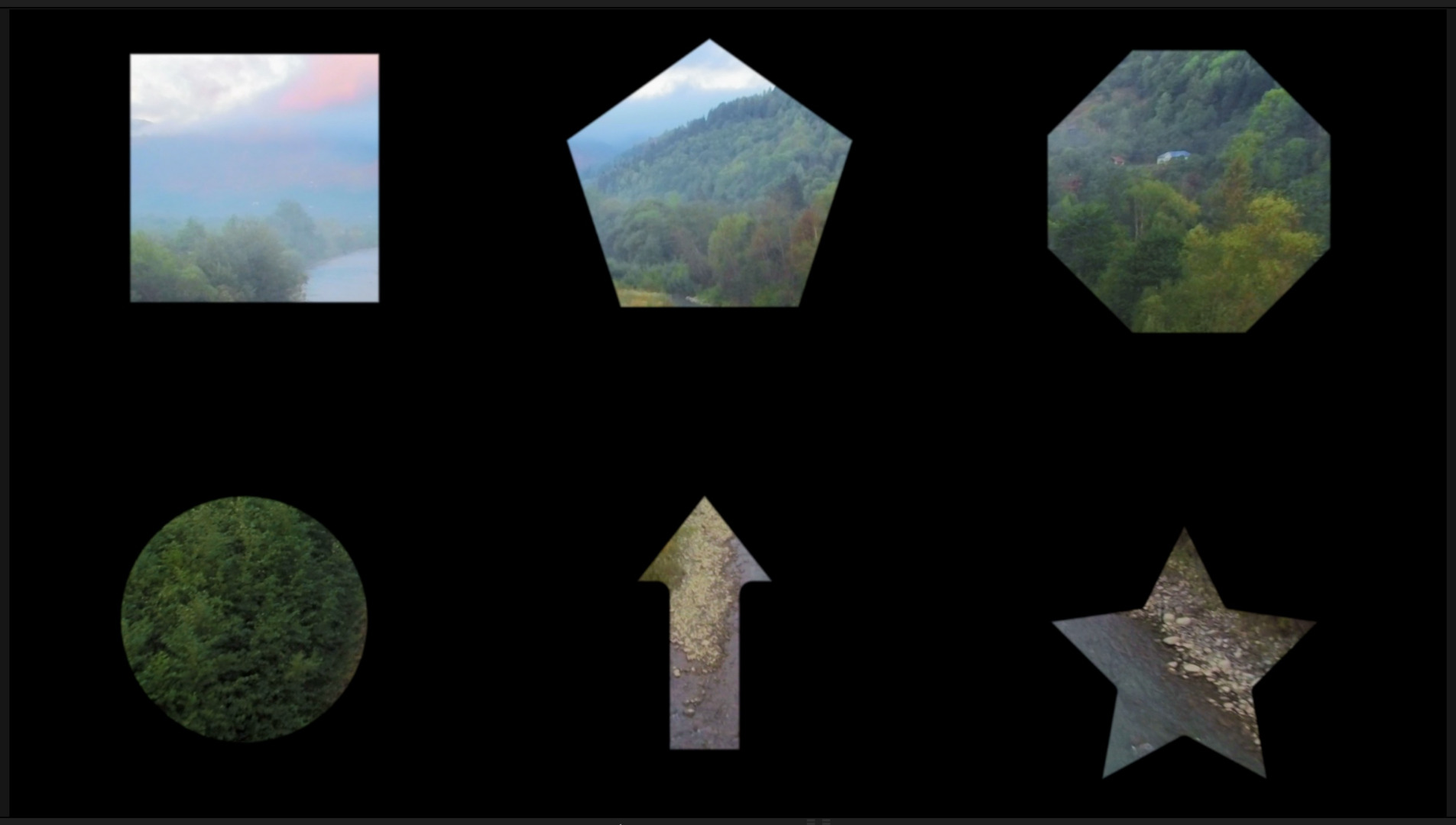
User uploaded file


The drop zone also gives you scale and pan controls to help you resize and align the parts.


If you need help installing:

https://fcpxtemplates.com/installing-plugins-for-fcpx/

27 replies

Oct 31, 2018 11:37 AM in response to dbraggins15

There are two things you want to do, and they are not particularly difficult:


1) You want to square to be stroked but not filled. In the version I have I just select the shape layer and I can control both the Stroke and Fill very easily. I am sure you can find similar controls in the pro version.


User uploaded file


2) You want to "cut a hole" in the background so that the whole image becomes transparent inside the square (otherwise you'd see the background color inside the square).

This is where there appears to be a difficulty, but not an unsurmountable one :-)

Just select the background layer, pick the rectangular selection tool and drag. You don't have to be extremely precise, just so long as you don't select outside the area of the square. Then just press Delete. The selected area will be deleted from the background (but not from the square above it).


User uploaded file

This thread has been closed by the system or the community team. You may vote for any posts you find helpful, or search the Community for additional answers.

How do you put video inside of shapes on Final Cut Pro X.

Welcome to Apple Support Community
A forum where Apple customers help each other with their products. Get started with your Apple Account.