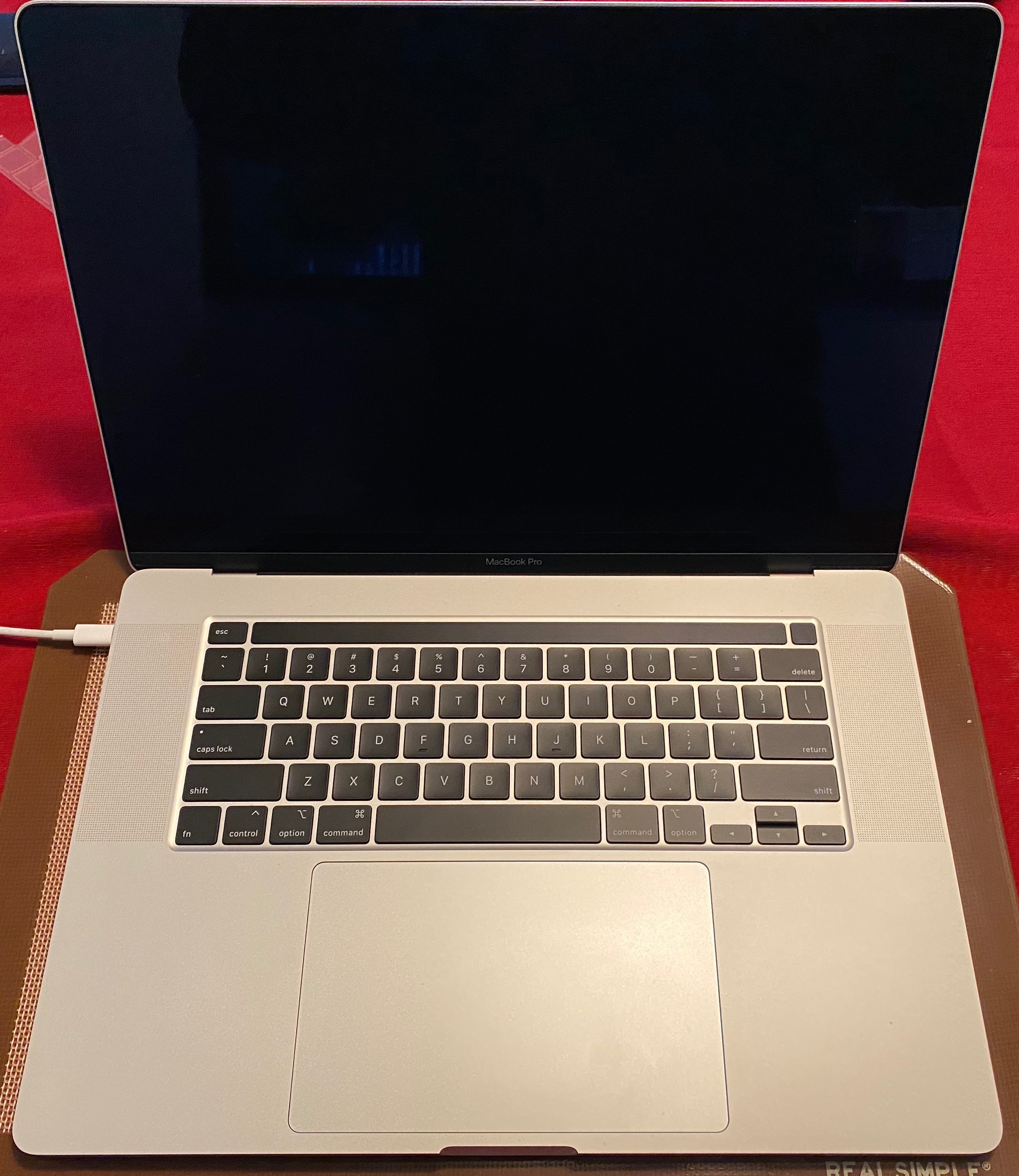
MacBook Pro 16" Kernal Panic During Restart when Plugged into Dual Monitors

I just got my fully spec-ed out 16" MBP today with 2.4 i9, 5500M 8GB, 64 GB RAM, 4TB HD. I did not install from a migration...just ran updates and am on 10.15.1, so it's a stock install...very clean. I noticed that when I was docked to my two UltraFine 5K displays with the computer lid closed and I would restart the computer, just as the machine was restarting the screen would shut off, the fans would ramp up to 100% for a second and the machine would restart. What let me know that it had a kernel panic is that when it would start back up, there would be a message saying "that your computer has restarted due to a problem." The report that it would create is attached below.


Now doing some testing I was able to prove that it would only happen when the lid was closed and two screens were plugged in. It would not do it if both screens were plugged in and the lid was open. Any ideas?


I did run a hardware diagnostic and it came back clean. Aside from this, the machine is smoking fast.


Thanks for the help.


MacBook Pro with Touch Bar

Posted on Nov 21, 2019 12:31 AM

Reply
Question marked as Top-ranking reply

Posted on Jun 17, 2020 3:11 PM

Oh... when updating OS you have to enable and disable power nap again. Really weird, but i works.


I have told Apple about this. They called me the other day when my Machine had created a crash report (after updating to 10.15.5). I solved the problem again with flipping power nap on/off. It is properly a wrong state in updated smc/NVRAM thats get set correct when flipping power nap on/off.

Similar questions

98 replies

Feb 11, 2020 5:23 AM in response to christian222

I have same issue here,

2 monitors attached, but the issue also happens with only one but with less frequency...

as it happens on wake up, with lid closed or not and it seems to be random

i have done a kernel debug and found out that the issue happens only when the system wakes us making a call to core 0


i guess it is a software bug and i really hope Apple will look into this asap as it is extremely annoying...


if you guys have any suggestion or work around all is welcome

cheers


Apr 1, 2020 8:22 PM in response to gmiles

+1 here. Fully specced MBP 16 attached to one LG Ultrafine 5k and on sleep, the laptop has a kernel panic and shuts down. Super annoying. Tried uninstalling Dropbox and other apps that were appearing in the log, but did not do any good. Also tried reinstalling MacOS (no reformat though) and this didn't change anything. The only reason I was able to figure out the kernel panics are related to the monitor is because when the laptop is unplugged, this problem does not present itself. Based on everyone's experience here, it does seem to point to some bug in MacOS that needs to be addressed ASAP. I cannot have my machine crashing on sleep, especially when I have my work in progress open on the machine. Apple please fix!

Apr 2, 2020 2:07 PM in response to christian222

I've been in contact with service and now they are wanting my machine in, stating it is a hardware issue and in need of repair, but will not tell me exactly what the problem or intended repair will be. The problem ONLY occurs when connected to the two LG UltraFine monitors. Took it to the local Apple store for examination and they stated it was a software problem. The computer works fine and does not crash upon sleep when it is not connected to the monitors. Very, very frustrating.

Apr 2, 2020 2:55 PM in response to ary.sharifi

Yes, I am only experiencing this when the computer— connected to one or both LG monitors — goes to sleep. It crashes upon awakening. LG display software up todate. Apple support when taking to a store for examination said it was software. Now Apple support says it is a hardware issue and needs to be sent in based on the same error messages, but refuses to tell me what exactly will be repaired. The computer goes to sleep and fine when not connected to the displays. Very frustrating. I fear I’m sending it in and will have the same problems when I get it back.

Apr 3, 2020 12:25 PM in response to layolz

Hi, we tried this approach with Apple Support after several troubleshooting sessions, but was still getting the kernel panics after changing these settings. Same error messages were then routed to Apple Engineers, a week later was notified by Apple Support that it was a hardware issue, but would not disclose what issue or any specifics when directly asked several times. If it were a hardware issue I would think that one would be seeing more problems when actively using, not just when the computer goes to sleep at night/woke up the next morning to see it crashed.

Apr 23, 2020 8:58 AM in response to NNEU

AGREE. I sent my laptop in for repair on April 2 and received back 10 days later on April 21 with a note stating that the logic board and Touch ID boards being replaced, as well as clean OS install.


Connected to monitors, laptop put to sleep overnight...another kernel panic this am, same error messages as before.


VERY FRUSTRATING. Apple needs to escalate and resolve this issue now.

Jun 2, 2020 3:37 PM in response to christian222

Hi. Thought I'd share here too. I've been experiencing the kernal panic from sleep issue from 10.15.4 onward on my 16" MBP bought in February. Was onto apple support with no solution found (tried all the resets, clean reinstallations, eliminating external monitors, 3rd party software etc).


Then found the disable powernap "solution" with 10.15.4, which worked just fine.


Made the mistake of upgrading to 10.15.5 and the problem got worse, kp'ing from sleep every single time.


Today I installed the supplementary update (I keep hoping they'll solve the issue) and now it sleeps and wakes fine, so long as it isn't plugged into my external monitor (Dell U2715H). When plugged into the monitor it KPs during sleep every time, though the time it takes to KP varies (I hear it whoosh).


Have tried resetting the SMC again, switching off various power save options, none making any difference right now. I guess it's just a case of waiting for more updates to solve this.


Jan 13, 2020 4:52 AM in response to Macintosh_Man

Update: Just as a further thought and test...I separated the monitors from a single thunderbolt bus to two separate busses(?), my Mac Pro 2013 has three thunderbolt/video busses.


Nothing special at all in the shutdowns, shutdown regardless of anything else seems to work fine.


FWIW.


No way am I doing a full system reinstall that may not work for such a simple workaround.

This thread has been closed by the system or the community team. You may vote for any posts you find helpful, or search the Community for additional answers.

MacBook Pro 16" Kernal Panic During Restart when Plugged into Dual Monitors

Welcome to Apple Support Community
A forum where Apple customers help each other with their products. Get started with your Apple Account.