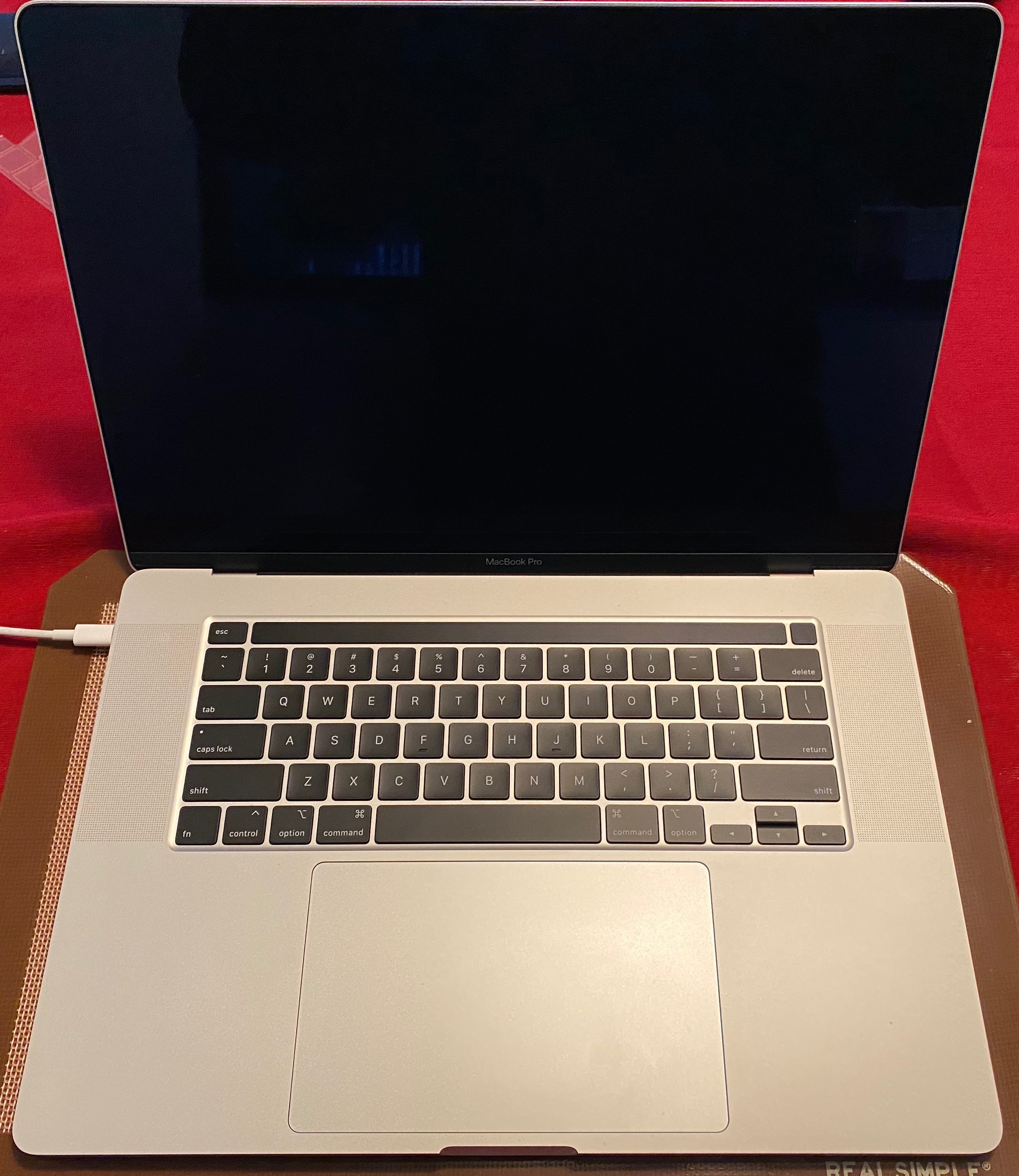
MacBook Pro 16" Kernal Panic During Restart when Plugged into Dual Monitors

I just got my fully spec-ed out 16" MBP today with 2.4 i9, 5500M 8GB, 64 GB RAM, 4TB HD. I did not install from a migration...just ran updates and am on 10.15.1, so it's a stock install...very clean. I noticed that when I was docked to my two UltraFine 5K displays with the computer lid closed and I would restart the computer, just as the machine was restarting the screen would shut off, the fans would ramp up to 100% for a second and the machine would restart. What let me know that it had a kernel panic is that when it would start back up, there would be a message saying "that your computer has restarted due to a problem." The report that it would create is attached below.


Now doing some testing I was able to prove that it would only happen when the lid was closed and two screens were plugged in. It would not do it if both screens were plugged in and the lid was open. Any ideas?


I did run a hardware diagnostic and it came back clean. Aside from this, the machine is smoking fast.


Thanks for the help.


MacBook Pro with Touch Bar

Posted on Nov 21, 2019 12:31 AM

Reply
Question marked as Top-ranking reply

Posted on Jun 17, 2020 3:11 PM

Oh... when updating OS you have to enable and disable power nap again. Really weird, but i works.


I have told Apple about this. They called me the other day when my Machine had created a crash report (after updating to 10.15.5). I solved the problem again with flipping power nap on/off. It is properly a wrong state in updated smc/NVRAM thats get set correct when flipping power nap on/off.

Similar questions

98 replies

Jan 26, 2020 7:58 PM in response to Grant Bennet-Alder

Thanks for looking into my issue! I have had the same error message twice in the past week (deadbeee instead of deadbeef). The first time I had the issue, I did not have any hypervisors installed on my system. Both cases happended exactly when I plug in my Dell U3415W monitor with a USB-C to DisplayPort connector. I think the chances of hardware failure causing the same bit flip at the same offset is very small. I have also run the Apple Hardware Test and Memtest86, both passed with no errors. I think it is very likely a driver related bug.

Mar 24, 2020 10:10 PM in response to christian222

Same problem. Macbook Pro 16" 2.3 GHz 8-Core with 64 GB memory, AMD 5500 8 Gb. When connected to external monitors with the lid closed, get kernel panics during wake up from sleep, sometimes during shutdown, sometimes randomly. I do not recall panics apart from the external monitors (three NEC monitors). In addition to crash messages similar to what others above have posted, I've also gotten the 'Bad Magic!' error message reported in other forum posts.


I've been a Mac user and evangelist for a long time. This is simply getting intolerable between hardware issues like keyboard failures with the last batch of Macbook Pros and the worsening stability of the underlying OS. (How do you take a Unix foundation and mess it up so that it crashes so much?)

Apr 3, 2020 9:28 AM in response to Grant Bennet-Alder

What is frustrating is that when the computer was taken into an Apple Store and checked over, I was told there was no hardware issue. Now, after submitting and having the same error messages reviewed by Apple Support over the phone, am being told it is a hardware issue and needs repair.


What hardware issues would only occur when the computer is left to go to sleep when connected to the 2 LG ultra fine displays, and then crash upon awakening? If it were a hardware issue, why then would the computer work with the 2 LG displays when the computer is awake and being used? This seems all very very strange.

Apr 3, 2020 11:22 AM in response to Grant Bennet-Alder

I still find this difficult to understand as the difference in timing between in-store and on-phone support on the same issue is really only a few weeks, really not that much time. Apple sells the LG monitors in their stores and on-line, so I question why this problem wasn't re-created in the back with tech (it may or may not have been, not clear what was done other than a thorough hardware check per staff, saying everything ok, must be a software problem, sorry not much else can be done). And why over the phone, after multiple phone calls trying to escalate the issue to the proper channels, now getting a completely different story, looking at the same data and problems. I've been a loyal Mac customer for decades now, but have to say that something has changed in the support area.

Apr 4, 2020 10:36 AM in response to Grant Bennet-Alder

It is absolutely beyond me why you haven't been expelled from this forum already.

The sheer amount of ignorance and complete lack of knowledge is simply unbelievable.


There is absolutely no evidence supporting your "Problem with graphics chip" theory. This is pure uneducated speculation.


You spread these theories while completely ignoring the technical facts (such as the problem neither appearing in bootcamp or w/o any monitors in MacOS) as well as user reports clearly stating that the problem persists after a motherboard replacement.


BTW, the so called engineers are not development engineers. They are specially trained support people who have as little of a clue as our dear Grant.


Apr 4, 2020 11:29 AM in response to NNEU

NNEU wrote:
...
It is absolutely beyond me why you haven't been expelled from this forum already.


Because other Users have awarded me in excess of 89,100 points for responses they deemed at least "helpful". I have achieved level 10, the highest level of helpfulness for senior technical contributors on these forums..


If you do not find my advice helpful, I suggest you ignore it. If you like, I will personally refund the full amount you paid for that advice.

Apr 23, 2020 9:08 AM in response to DPJ

Trying to contact them; have requested a replacement and Apple stating that is not an option.

All information being posted to try to help understand what the problem is and being experienced by others as well, and following up with described problem that a logic board replacement did not solve the issue.

Apr 23, 2020 11:21 AM in response to DPJ

I think the issues are occurring when connected to external monitors I suspect, in particular the Apple-endorsed LG 5K monitors, though it happens if connected to two Dell UHD monitors as well. Happens when manually placing the computer to sleep, or if the computer goes to sleep on its own. Using LG thunderbolt usb-c cables supplied with monitor directly, or in the case with Dell, one with an HDMI cable connected to the Apple adaptor. Have tried Apple thunderbolt cables direct to monitor and computer for LG as well.


Very frustrating. This issue has been going on for some time and not getting resolved.


Apr 23, 2020 11:48 AM in response to gmiles

"Very frustrating. This issue has been going on for some time and not getting resolved."


Perhaps because it's not affecting as many people as you may think. Case in point, I've never experienced a kernel panic and I'm a power user editing Final Cut Pro X and Logic Pro X projects weekly. It may be just a bad run of shipped computers. That does happen at times, but forums should never be used as law that something is widespread and not getting resolved simply because it's amongst forum members that are experiencing issues.

Apr 23, 2020 12:08 PM in response to gmiles

"The issue described for this situation has been going on for some time now without resolution in this case, and others as described, no one has suggested the forum be used as law or stated it is a widespread event that I'm aware of. "


I was only making a point, but just the fact that you are dismissing that my MacBook Pro is working fine and you're only focusing on the people with the problem you are suggesting that it's "widespread". I do hope get your issue resolved but please don't dismiss people without issues. It's important to the forum that both good experiences and adverse ones are posted and accepted. Best of luck.

This thread has been closed by the system or the community team. You may vote for any posts you find helpful, or search the Community for additional answers.

MacBook Pro 16" Kernal Panic During Restart when Plugged into Dual Monitors

Welcome to Apple Support Community
A forum where Apple customers help each other with their products. Get started with your Apple Account.