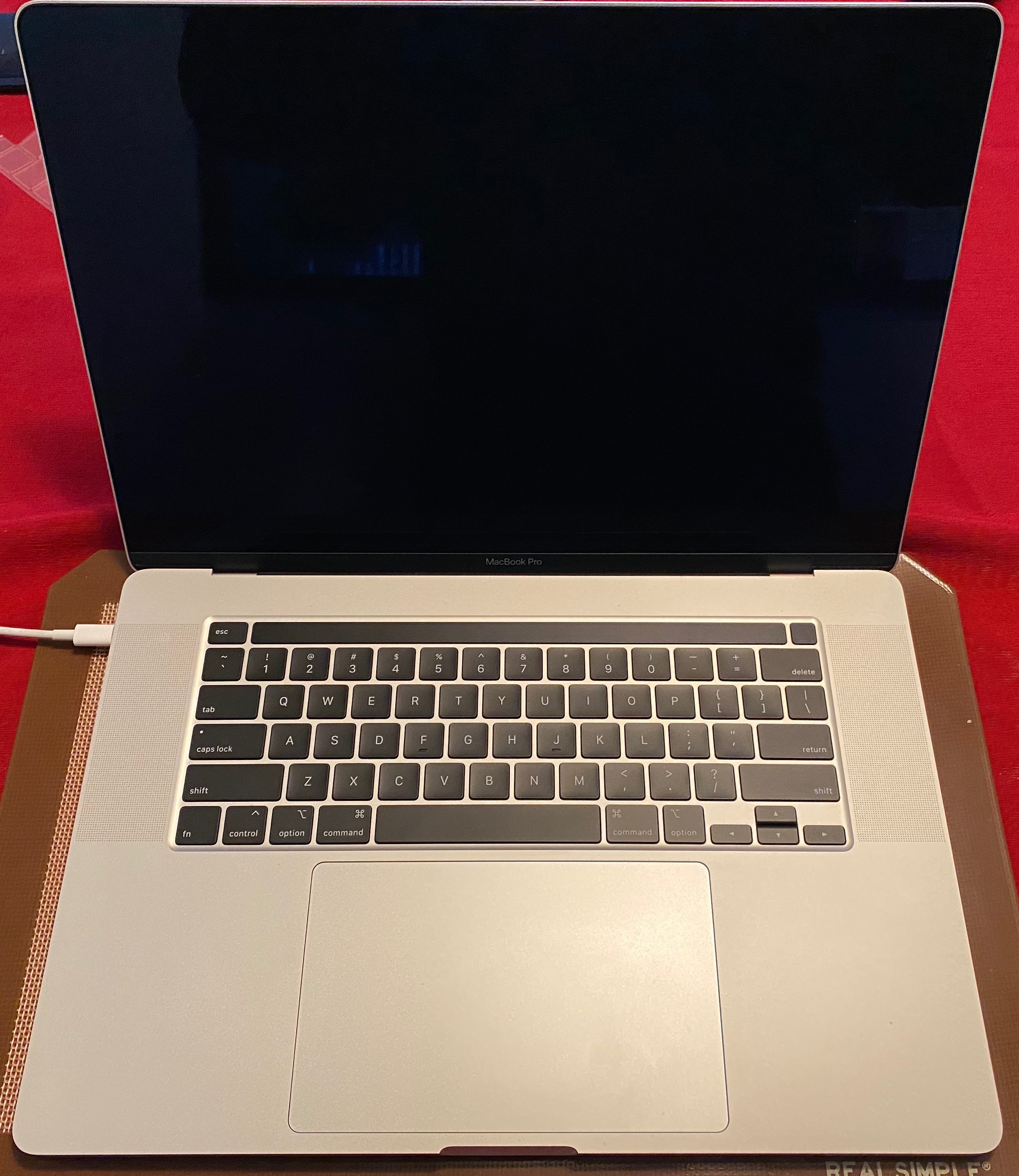
MacBook Pro 16" Kernal Panic During Restart when Plugged into Dual Monitors

I just got my fully spec-ed out 16" MBP today with 2.4 i9, 5500M 8GB, 64 GB RAM, 4TB HD. I did not install from a migration...just ran updates and am on 10.15.1, so it's a stock install...very clean. I noticed that when I was docked to my two UltraFine 5K displays with the computer lid closed and I would restart the computer, just as the machine was restarting the screen would shut off, the fans would ramp up to 100% for a second and the machine would restart. What let me know that it had a kernel panic is that when it would start back up, there would be a message saying "that your computer has restarted due to a problem." The report that it would create is attached below.


Now doing some testing I was able to prove that it would only happen when the lid was closed and two screens were plugged in. It would not do it if both screens were plugged in and the lid was open. Any ideas?


I did run a hardware diagnostic and it came back clean. Aside from this, the machine is smoking fast.


Thanks for the help.


MacBook Pro with Touch Bar

Posted on Nov 21, 2019 12:31 AM

Reply
Question marked as Top-ranking reply

Posted on Jun 17, 2020 3:11 PM

Oh... when updating OS you have to enable and disable power nap again. Really weird, but i works.


I have told Apple about this. They called me the other day when my Machine had created a crash report (after updating to 10.15.5). I solved the problem again with flipping power nap on/off. It is properly a wrong state in updated smc/NVRAM thats get set correct when flipping power nap on/off.

Similar questions

98 replies

Apr 23, 2020 12:21 PM in response to DPJ

Please keep this forum chain focused and relevant to the issue that is occurring with repeated kernel panics with the MBP16 when connected to monitors/sleep issues. No one is suggesting dismissal of anyone, personally or implied otherwise.


The kernel panics are a reproducible, recorded fact and comparing similar issues that others are having in the same scenario. So yes, this is focused problem that needs further evaluation and resolution.


Apr 23, 2020 12:32 PM in response to gmiles

Please keep this forum chain focused and relevant to the issue that is occurring"


Actually I have been doing just that. I've been offering help and suggestions to you. Remember? I came in when shutting off PowerNap was a suggestion and it shouldn't be a solution. Like I said best of luck but you're showing a bit of passive aggression.

Jun 17, 2020 11:28 AM in response to luca1975

@luka1975 sadly this doesn't work for many of us.


@mster50 I feel your pain, it really is not what you're hoping for when you spend so much to get the 'best' laptop Apple have to offer. By contrast my MacBook Air 2013 is working just fine, still going strong. At least you can send yours back, I bought mine in February so don't have that option (have to take it to 3rd party servicer for repairs etc, which I can't right now as I have to use this for work).

Jun 17, 2020 3:49 PM in response to TheRealCasper

Hi again @TheRealCasper. Thanks for taking an interest but that doesn't work, not for me at least.


To be doubly sure I just went in, flipped power nap on and off again, just in case I missed it first time. Put the MBP to sleep, plugged into external monitor, 15mins later I hear a whoosh as it crashes again.


On restarting, I'm greeted with the error report: panic(cpu 2 caller 0xffffff8017c9167c): Sleep transition timed out after 180 seconds while calling power state change callbacks. Suspected bundle: com.apple.iokit.IOGraphicsFamily. Thread 0x34687.


So unfortunately, while it may have worked on a couple of machines, it hasn't worked on mine.

This thread has been closed by the system or the community team. You may vote for any posts you find helpful, or search the Community for additional answers.

MacBook Pro 16" Kernal Panic During Restart when Plugged into Dual Monitors

Welcome to Apple Support Community
A forum where Apple customers help each other with their products. Get started with your Apple Account.