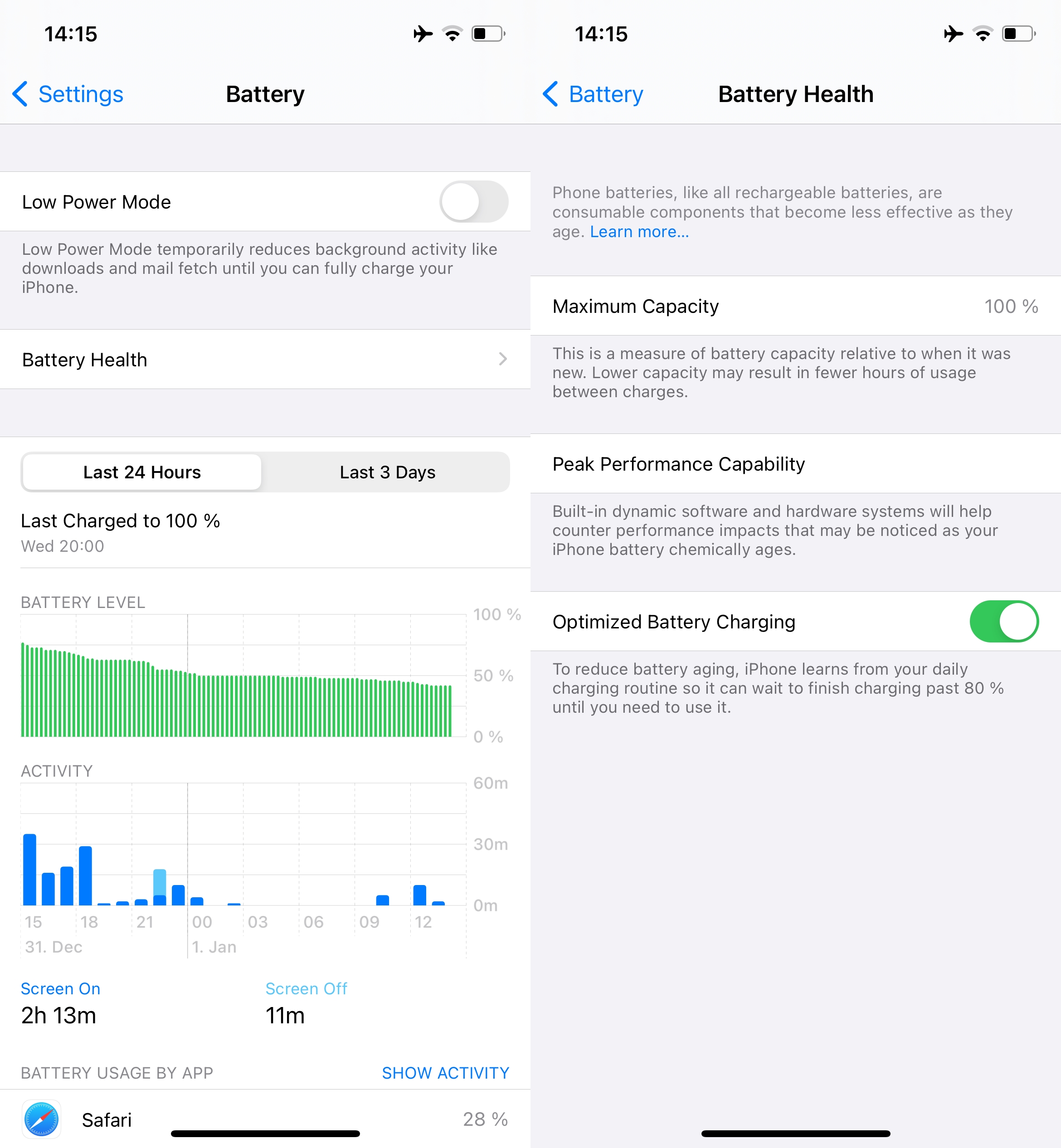
After a couple days of experimenting.
Let me give you scenarios/examples with no regard to any other settings other than those mentioned being turned on or off.
iPhone 12 Pro running iOS 14.3
SIM card installed, WiFi on, Cellular On, Bluetooth in Standby (Turned off in CC to disable new connections, but still enabled)
Battery drops between 15 and 30% over an eight hour time frame while not being in use. (This was the case for a couple days, until I realized something was clearly wrong)
SIM card installed, WiFi off, Cellular off, Bluetooth standby same as before
Battery drops around 10% over the same time frame (Better, but still not satisfying)
Now get this!
SIM card taken out, Wifi on, Cellular off, Bluetooth same as before, I also turned Airplane Mode on for the sake of it
Draining between 1 and 3% , over the span of 8 hours.
I know, it seems absolutely silly to use an iPhone without a SIM card, but as long as this bug is not fixed taking out the Sim card might be your best option to prevent your battery from draining over night. Or you just simply keep it on a charger. Keeping the SIM and at least turning off WiFi and cellular or putting the device into airplane mode should make the battery drain a little less too.
Some other things you might want to switch off, if only to test for a couple days to see if battery life improves and slows the drain. Keep in mind, you can disable everything temporarily and don't have to worry about anything breaking. If something needs a certain thing enabled, iOS will most likely give you a prompt anyways. You can go back and enable everything again, but until a version of iOS 14.3.x or 14.4 is released that addresses the those kind of issues, it's the best and to be frank, the only thing you can do.
- Location Services > System Services. Be bold and turn off EVERYTHING. Toggle the status bar icon (the switch on the very bottom) so when you slowly enable them one by one again, you can keep an eye on what triggers the location to update. With the status bar icon on, you can check and investigate closely how and when a certain service is updating. I found the Find my iPhone location feature updates like crazy.
System customization also updates in the background constantly ( if you turn it off, Dark Mode/ Appearance will still be able to work in sunset/sunrise mode, night mode however will work only when you put it on a custom schedule, and optimized battery charging will not work (even the option itself in the battery menu is enabled) if you have Significant Location and/or System Customization disabled).
- Put Bluetooth into standby so it stops searching for new devices (Toggle it via Control Center so the icon becomes white.)
- Turn off 'Ask to Join Networks' and set 'Auto-join Hotspot' to Never in Wi-Fi settings to stop the device from constantly checking for sources, notifying you and trying to connect to other routers.
I don't mention any of those things like turning off Background App refresh, dimming your display etc as those can be found in literary every 'iPhone battery savings' video or article.
It is clear that the issue can be pinpointed to the cellular modem, which can only be put into completely pause if there is no SIM card in the device. Airplane mode alone does not seem to fix the issue fully nor does turning off Cellular data help much if anything.