iPhone 15 Pro Max Wi-Fi Issues

I Hope apple or others can help me out - I’m having issues with WiFi on the IPhone 15 Pro Max


myself and others are having issues with using WiFi and 160hz - many have raised issues on Reddit posts - some cannot connect to there WiFi at all and others can connect like myself but have random issues with no internet from time to time


Mines working on 5GHz 160hz, but sometimes I’ll just have no internet connection (it’s still connected to the WiFi) - I have to disconnect from the WiFi and connect again for it to work.


I’m using ASUS RT-AX82U - 5GHz allowed Upto 160hz - I’m running 1gig internet so last thing I want to do is try running at 80hz as I’ll loose speed


When it does work it works great 😊


PLEASE FIX THIS ASAP APPLE


[Re-Titled by Moderator]

iPhone 15 Pro Max, iOS 17

Posted on Sep 23, 2023 5:22 AM

Question marked as Top-ranking reply

Posted on Nov 12, 2023 6:39 AM

I've got a fix!!! This was frustrating me to no end. Went to Apple store and talked with one of the experienced techs. He said the issue is the iPhone when you import from an old iPhone imports non-ideal network settings, not just your old iPhone passwords. Fix is below.


Network -> General -> Transfer or Reset iPhone -> Reset Network Settings


Wifi has been working like a charm since I did this. Read about this for hours and never saw this suggested anywhere else so figured I'd contribute.

Similar questions

492 replies

Sep 26, 2023 1:24 AM in response to Community User

Update from me too. Since separating the two networks (2,4 and 5GHz), it's been better. First it seemed to work to 100% (having the 15P only connected to the 5GHz) but then the same issues occured after an hour or so. But for the past 30-40 hours, I haven't had a single issue with the connectivity. I was almost tinfoiling like "can they send out hotfixes which are installed invisibly??" but probably not.


So for now, it works, but I would like to be able to keep using "Smart Connect" for my home WIFI - one SSID for both bands. This type of compatibility downfall is not OK.

Nov 2, 2023 8:52 AM in response to LuckyboyRich

I keep seeing this mentioned as a fix... But here is my experience, in 12 screenshots. I kept the time on the screen so people can follow me from my garage to my office under my Eero 7 Max mesh. But, keep it mind that the exact same issue happened under my Orbi 960 mesh while no other device I have, including pre-iPhone 15 iPhones, suffer of this issue under either mesh setup.


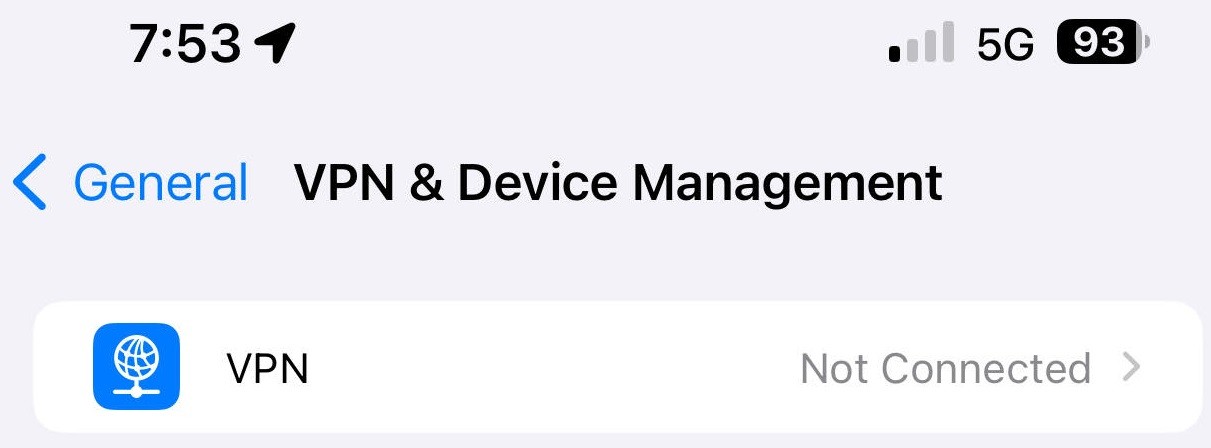
1) To settle for once and all, I have no VPN:


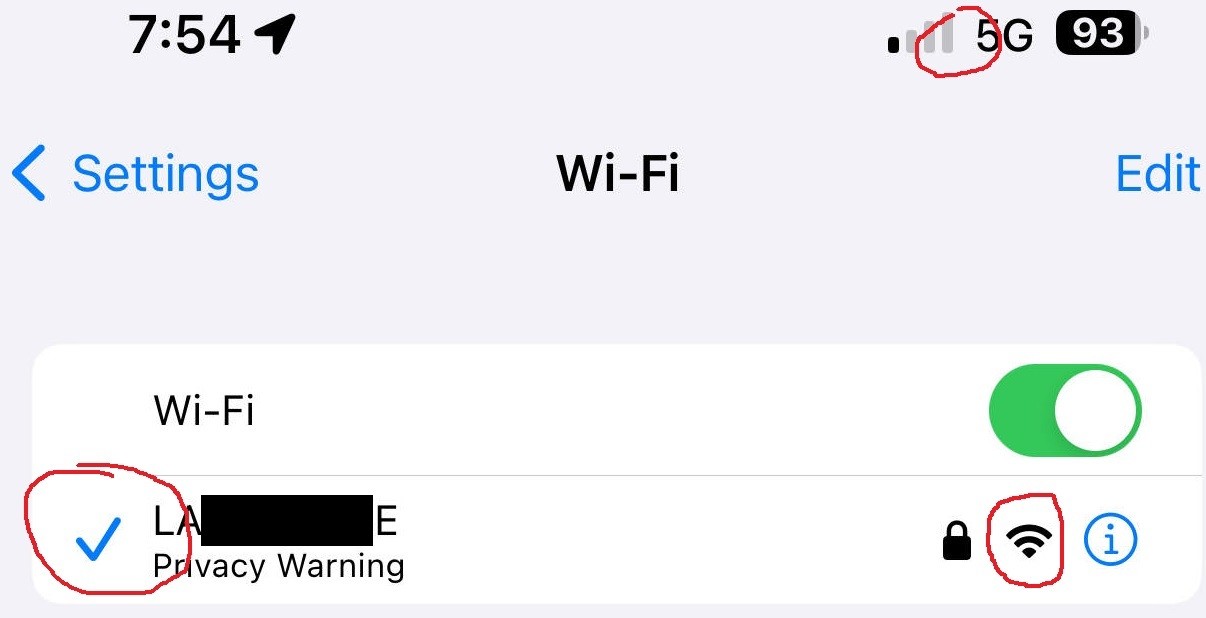
2) I am standing in my garage, under my Eero satellite named "Garage", with my iPhone 15 Pro Max's Wifi turned on. It correctly detects my mesh network name, it correctly claims full signal strength, it claims it has connected to it, yet the Wifi icon at the top is curiously missing:


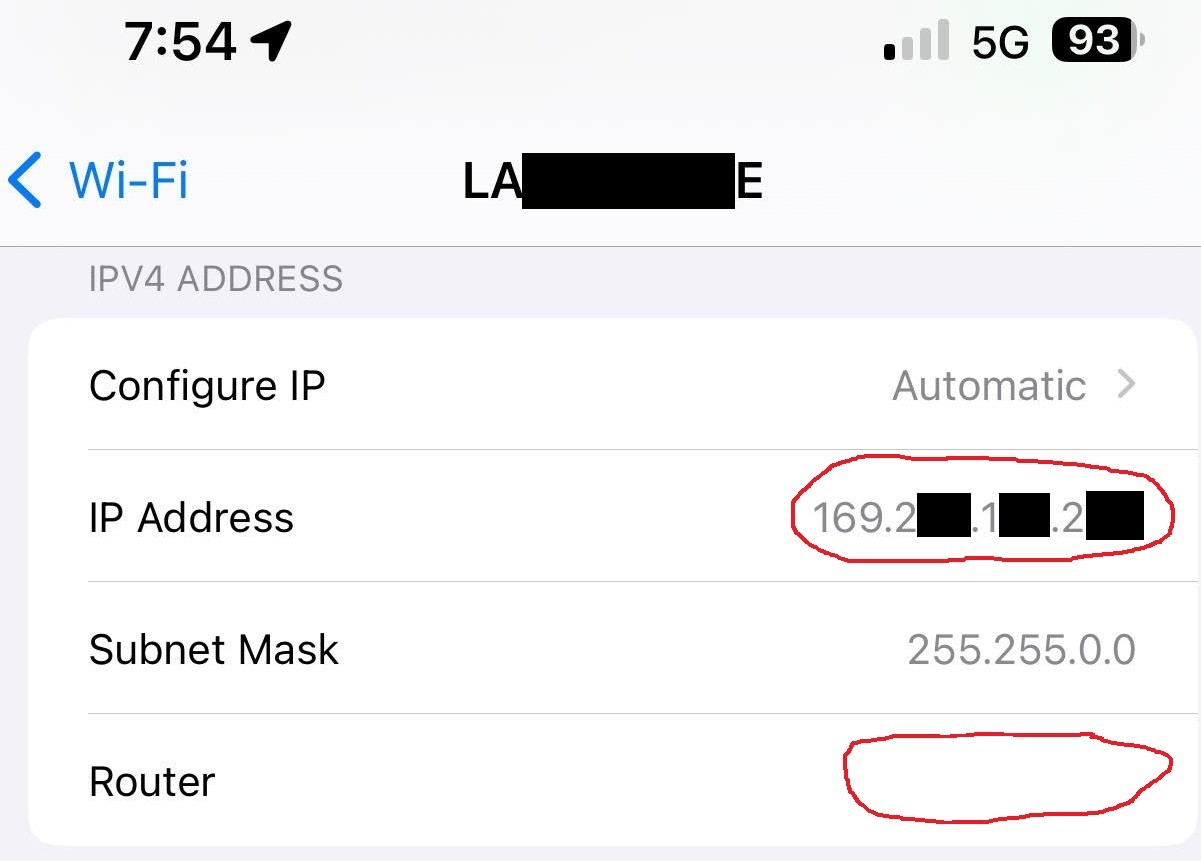
3) I click on the blue circled-"i" to see the network details my phone sees. Clearly it has settled on a non-Eero local IP address, and there is no router IP. This feels more like a cellular connection while the phone thinks it is Wifi:


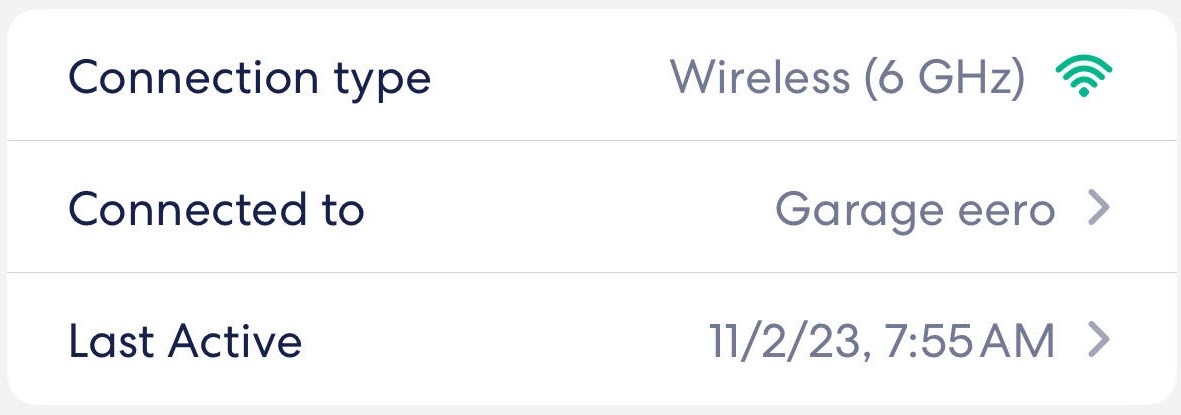
4) If I look at my Eero app, all the latest version of course, I see that the phone is connected to the correct mesh satellite with the correct 6G connecting type! So, the phone is connected to wifi, but gets its bearings from cellular...


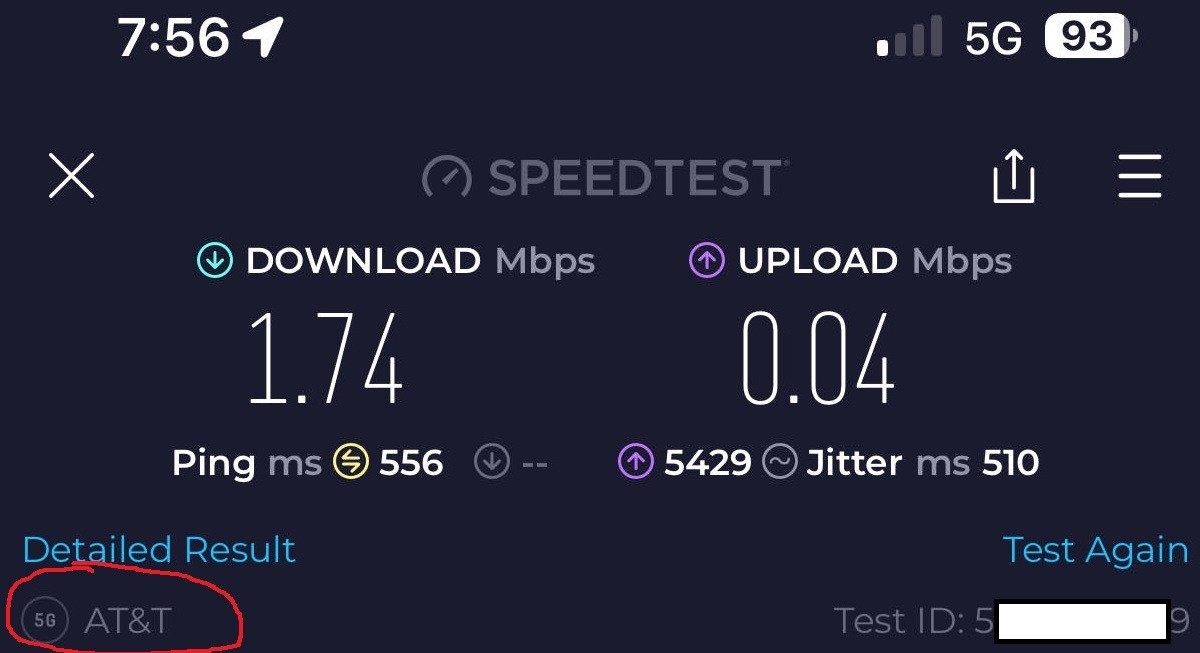
5) Let's run a SpeedTest to see what this weird combo delivers. Keep in mind that if I forget to turn off my phone's wifi and walk around the house, this is the bandwidth I am suffering through. And notice how SpeedTest does figure out that the network is through AT&T, not Xfinity that my Eero router is connected to:


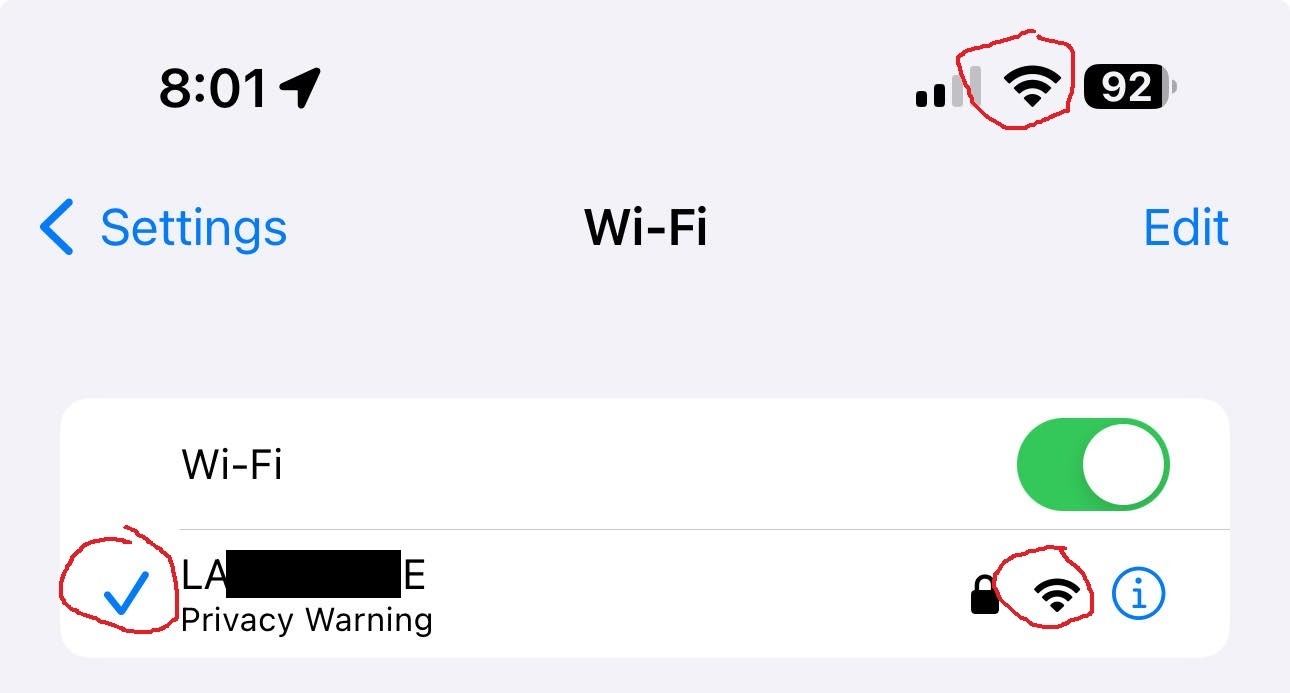
6) Let us walk back to my office where the main Eero gateway/router is and keep the phone's Wifi on. It correctly detects the network name, shows full signal, claims to have connected to it, and now the Wifi icon in the upper right corner is correctly displayed:


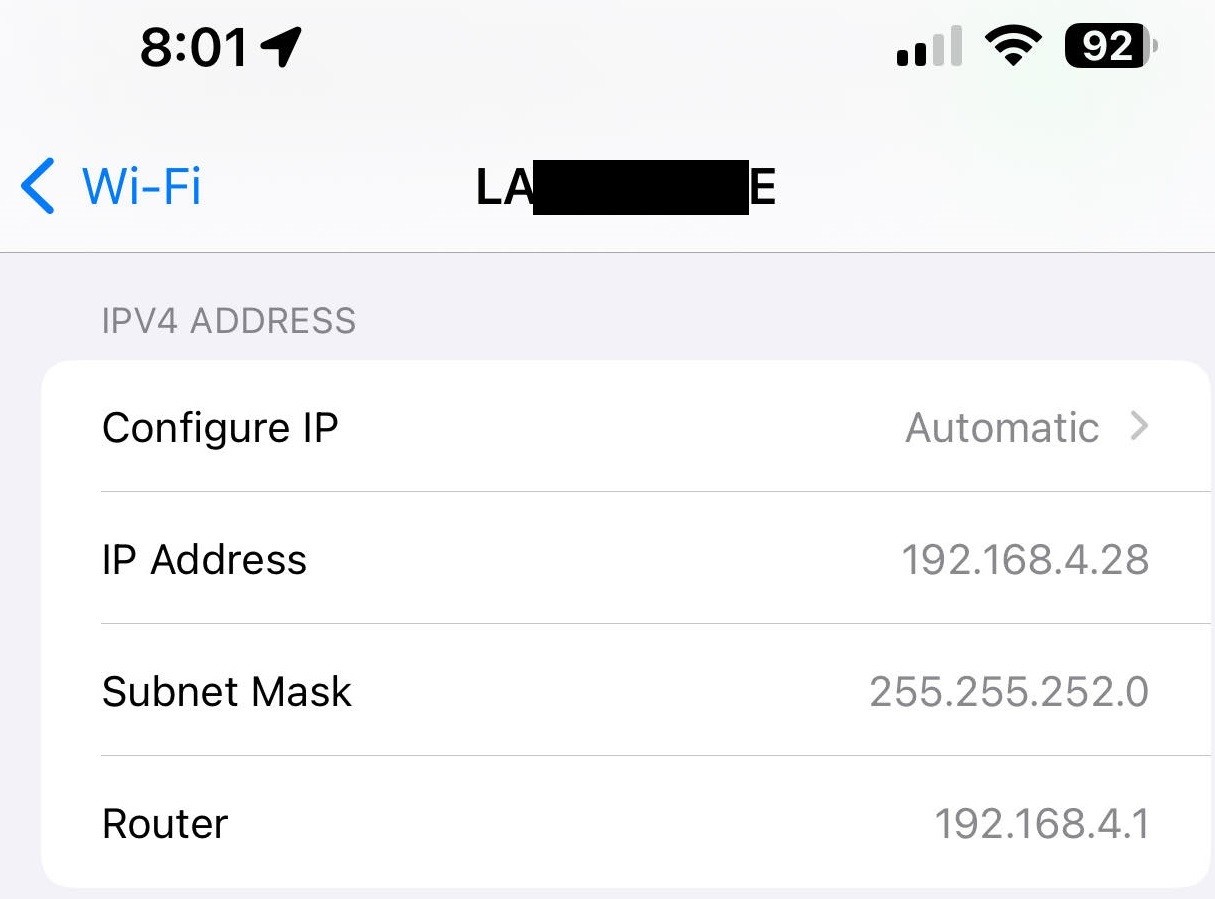
7) Diving into that connection via the circled-"i", now we see what a proper Wifi connection looks like, with the proper device IP assigned and the Eero router's address correctly populated:


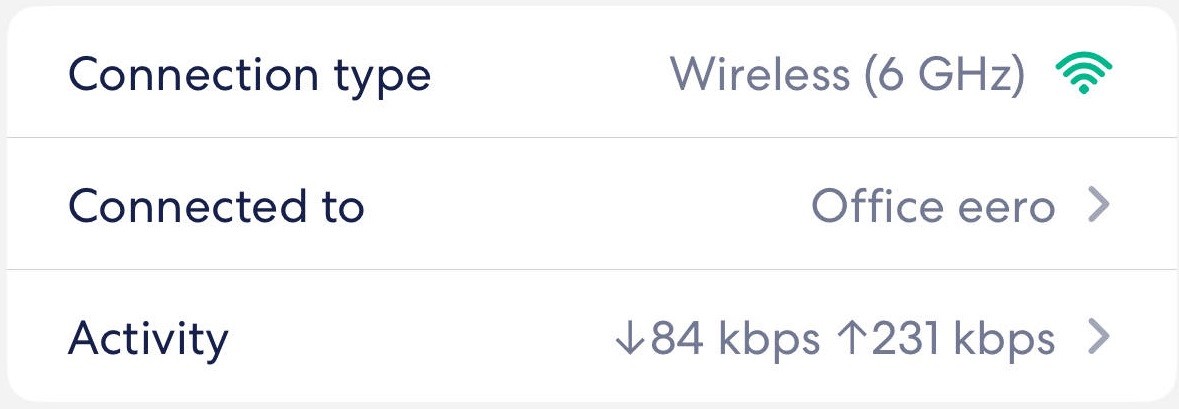
8) And the Eero router sees my phone as connected to my Office router directly without going through a mesh satellite, at 6Ghz:


9) Given my 1200/40 service from Xfinity, and the 6G network iPhone 15 Pro Max can use, the speeds are awesome. Again, note how SpeedTest now correctly identifies Xfinity as the source of the connectivity:
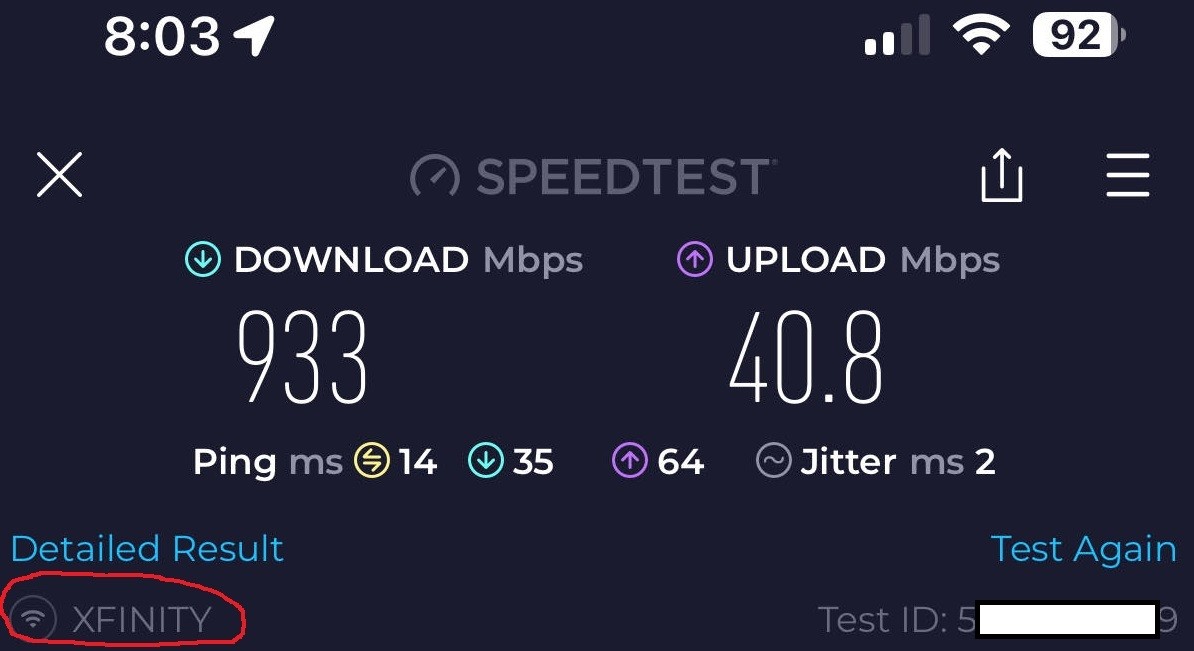


10) In case anyone was curious what the real cellular-only experience is like, let us turn Wifi off:
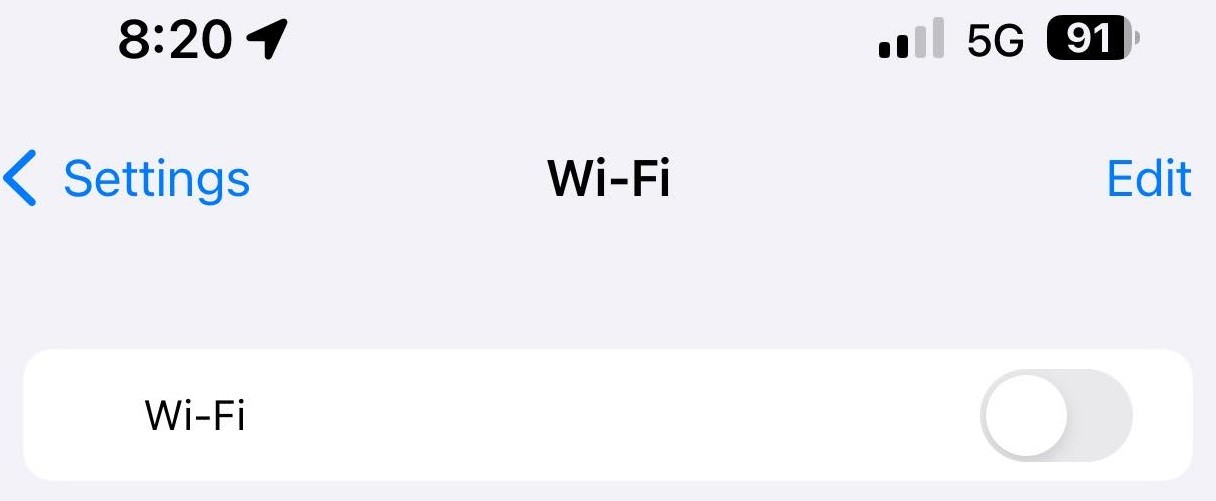


11) As confirmed by the Eero app, my phone is no longer on my mesh network:


12) And SpeedTest shows this via AT&T:
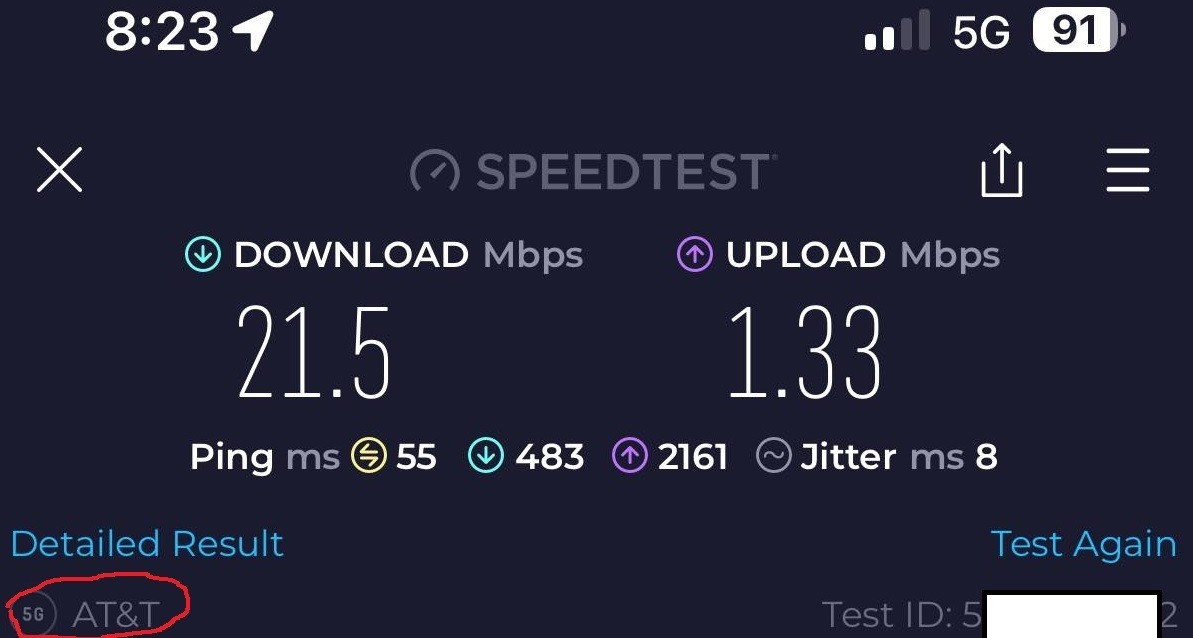


Needless to say, a much MUCH better experience than in step 5's weird combo where the phone thinks it is on Wifi but actually is using cellular data. Whatever code path there is in iOS 17.x, that particular situation is making it hit the brakes like it is nobody's business...


I hope this, plus my previous post a page or two back, helps someone at Apple to sort this issue out in iOS 17.2.


Tuna

Nov 2, 2023 11:48 AM in response to Community User

I’ve been having the same wifi connectivity issues with my 15 Pro Max since I bought it. I’ve called my ISP (Bell) and I’ve called Apple. Apple ran diagnostics and said everything was fine, and I even tried resetting my network settings to factory. Nothing seemed to work UNTIL, earlier today, I called Apple again. This is what they had me do:


  1. Settings
  2. Wi-Fi
  3. Tap on the network you’re using
  4. Scroll down, tap Configure DNS
  5. Change from “Automatic” to “Manual”
  6. Tap “Save”


So far, fingers crossed, this has worked. I go to work tonight, so I don’t have time to monitor my Wi-Fi as much as I’d want before I go in tonight, but I haven’t had an issue since I did this. Keep in mind, my Wi-Fi was dropping regularly at home. I’m hoping this can help some of you, as there doesn’t seem to be much information online on what works for this issue.

Sep 27, 2023 10:04 PM in response to Community User

I think I've isolated a fix (albeit more of an annoying workaround) for the issue. For some reason it was just my home wifi not working with my 15 Pro so I created a Guest wifi network through my ISP and my phone is able to connect to that one even though it's the same router. Really bizarre but it's been three days or so now and it's still going strong. So we'll see.

This thread has been closed by the system or the community team. You may vote for any posts you find helpful, or search the Community for additional answers.

iPhone 15 Pro Max Wi-Fi Issues

Welcome to Apple Support Community
A forum where Apple customers help each other with their products. Get started with your Apple Account.
